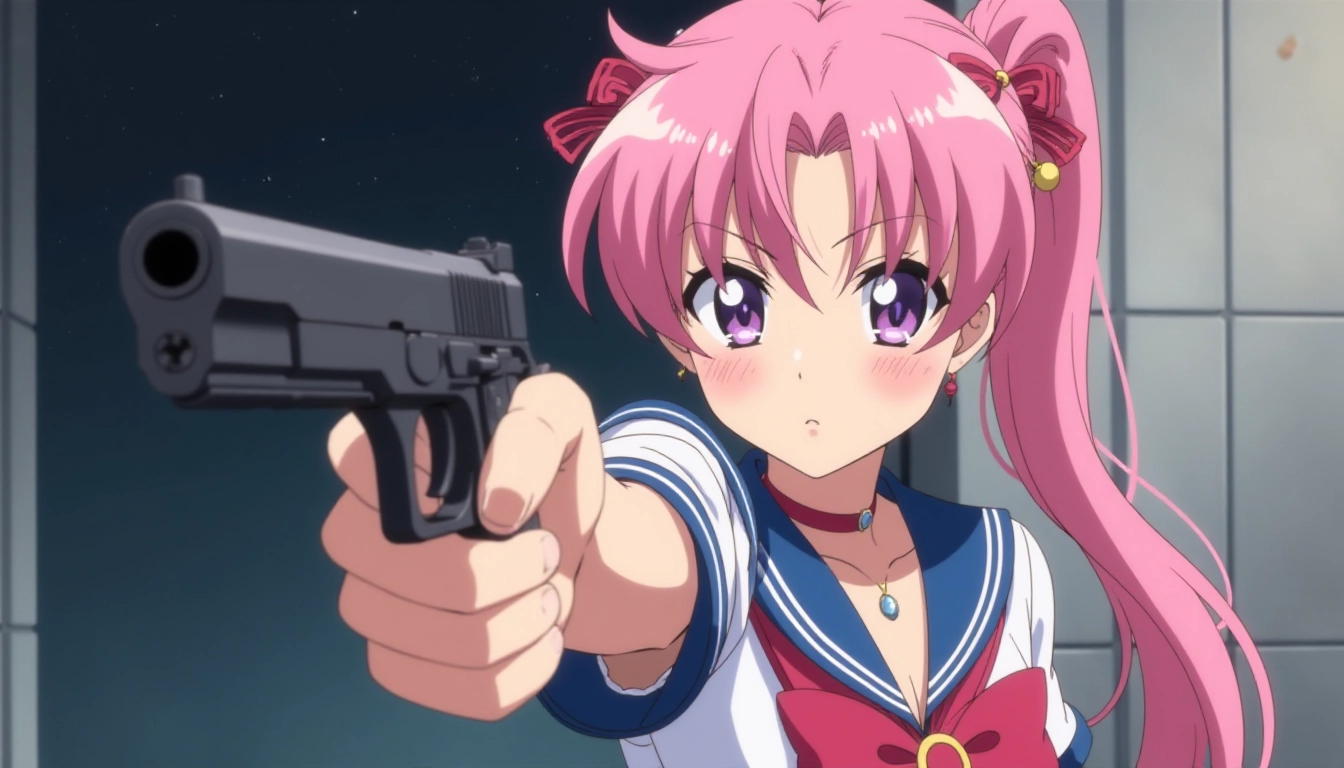
Artificial intelligence (AI) is changing how we create and work with images. Whether you’re a student, a hobbyist, or a professional, AI image generators make it easy to turn your ideas into pictures. These tools use smart technology to create images from simple text descriptions. This article dives into the top AI image generators, explaining how they work and how you can use them to spark your creativity. Written for non technical users, this guide is clear, simple, and easy to skim.
What Are AI Image Generators?
AI image generators are tools that turn words into pictures. You type a description, like “a blue dragon flying over a mountain,” and the AI creates an image based on your words. These tools use advanced technology to understand your description and make images that match. They’re used for art, school projects, marketing, and more.
How Do AI Image Generators Work?
AI image generators use something called Generative Pre-trained Transformers (GPT). These are computer programs trained on tons of pictures and text. The AI learns to connect words with images, so when you give it a description, it knows what to draw. It’s like teaching a super-smart robot to be an artist!
Why Are AI Image Generators Important?
These tools are changing the way we create. They help artists make new designs, businesses create ads, and students bring stories to life. AI image generators save time and let anyone create amazing pictures, even if they’re not great at drawing. As the technology gets better, it’s opening up new ways to be creative.
Top Free AI Image Generators
If you want to try AI image generators without spending money, there are great free options. These tools are perfect for beginners or anyone who wants to experiment.
Republiclabs.ai: Simple and Fun
Republiclabs.ai is an AI model aggregator platform where the latest and best AI image models are presented to the user for usage. The platform excels at multi-model generation with a single prompt, allowing parallel generation to quickly understand how each model performs. Another big thing is the lack of a queue; every time a user submits a prompt, it is immediately processed so the typical experience is a fast generation.
When I first started using Republiclabs.ai, I was blown away at how easy it was to generate images. There are no settings to fine tune or mess with, just type in your prompt and watch the magic happen. The multi-model parallel generation is unique and not found in many other similar platforms. It is so great to see a side by side comparison on how each model performed against the same prompt. The platform is addicting and you will quickly run out of credits and leaves you wanting more.
DeepArt: Turn Photos into Art
DeepArt is another free tool that transforms photos into artwork. You upload a picture, and the AI changes it to look like a painting by a famous artist, like Van Gogh. It’s a cool way to make your photos look unique. DeepArt is great for school projects or decorating your room with custom art.
When I used DeepArt for a school project, it was so easy for me to generate an image to use for my term paper. I also generated a bunch of images to sell on Etsy and shared some of the images with DeviantArt for fun to connect with others.
Why Free Tools Matter
Free AI image generators make creativity accessible to everyone. You don’t need to be rich or an expert to try them. These tools let you play with AI and discover what it can do. The more people use them, the more new ideas they inspire.
Premium AI Image Generators
If you’re ready to take your creations to the next level, premium AI image generators offer better quality and more features. These tools are great for serious artists or professionals.
RunwayML: A Creative Powerhouse
RunwayML is a paid tool with tons of features. It can create images, edit videos, and more. Its easy-to-use design makes it perfect for artists who want to try new things. Whether you’re making a comic book or a school presentation, RunwayML gives you professional results.
Artbreeder: Create Together
Artbreeder is a unique paid tool where you can mix images to create new ones. It’s like blending two pictures to make something totally new, like a character or a landscape. Game designers and artists love Artbreeder because it lets them work together and share ideas.
While Artbreeder is a good tool, I find that the lack of model options really hamstrings the user. Sometimes these platforms want you to use their own model probably because they have a better GPU rate with generating images with their own models. However not all models produce the same results and it is imperative to try other ones.
Why Choose Premium Tools?
Premium AI image generators give you better images and more control. They’re worth the cost if you need high-quality results for school, work, or a big project. These tools have advanced features that help you create exactly what you want.
Open Source AI Image Generators
Open source tools are free and let you customize how they work. They’re great for people who like to tinker or learn about coding.
GANPaint Studio: Edit Images with AI
GANPaint Studio uses AI to let you change parts of an image. For example, you can add a tree or remove a building from a picture. It’s a bit trickier to use, but it’s perfect for people who want to experiment with AI editing. It’s free and open source, so you can tweak it however you want.
TensorFlow: Build Your Own AI
TensorFlow is an open source platform for building custom AI tools. It’s not as easy as other options, but it lets you create your own image generator. If you like coding or want to learn how AI works, TensorFlow is a great choice. You can make tools that fit your exact needs.
TF is not for the faint of heart. You need incredible technical skills to setup an image generation workflow. You likely will need to have coding skills, debugging skills, as well as cloud infrastructure know-how (if you want to run in the cloud) to be able to setup a successful image generation in your environment.
The Power of Open Source
Open source tools let anyone with a computer try advanced AI. They’re great for learning and experimenting. By sharing the code, developers around the world work together to make these tools better. It’s like a big team project for creativity!
How to Create AI-Generated Images
Making images with AI is easier than you think. Follow these steps to get started.
Step 1: Pick an AI Tool
Choose a tool that fits your needs. Free tools like Craiyon are great for beginners. Premium tools like RunwayML are better for advanced projects. If you like coding, try an open source tool like TensorFlow. Think about what you want to create and how much time you have.
Step 2: Write a Good Prompt
A prompt is the description you give the AI. Be clear and detailed. For example, instead of saying “a cat,” try “a fluffy orange cat sitting on a sunny windowsill.” The more details you add, the better the AI understands your idea.
Step 3: Enter the Prompt
Type your prompt into the tool’s text box. Most AI generators have a simple interface. Hit the “generate” button, and the AI will start working. It might take a few seconds or minutes, depending on the tool and your prompt.
Step 4: Create the Image
The AI will turn your words into a picture. It uses its training to make an image that matches your description. This is where the magic happens! You’ll see your idea come to life in a way you might not expect.
Step 5: Edit and Save
Check the image to see if it’s what you wanted. Some tools let you tweak things like colors or details. When you’re happy with the result, save the image to your computer or share it online. You can use it for school, social media, or just for fun.
Tips for Better AI Images
- Be Specific: Add details like colors, settings, or styles to your prompt. For example, “a red sports car on a desert road at sunset” is better than “a car.”
- Try Different Tools: Each tool creates images differently. Test a few to find your favorite.
- Keep Learning: AI tools get better all the time. Check for updates or new features to stay ahead.
Popular AI Image Generators
Right now, two tools stand out: Republiclabs.ai and Midjourney. They’re super popular because they make amazing images and are easy to use.
Republiclabs.ai: Fast and Creative
Republiclabs.ai creates wild and detailed images. It’s great for making surreal art, like a dog riding a rocket. Its smart technology can handle complex prompts, making it a favorite for artists and students. It is incredibly versatile and combines the best state-of-the-art models into a single platform.
Midjourney: Art with Style
Midjourney is known for its artistic images. It’s perfect for creating paintings or designs that look like they came from a pro. Artists love it because it’s easy to use and makes beautiful, unique pictures.
Why These Tools Are Loved
DALL-E and Midjourney are popular because they’re powerful and fun. They let you create almost anything you can imagine. As more people use them, they’re shaping the future of art and design.
How to Start Making AI Images
Here’s a quick guide to creating your own AI images:
- Choose a Tool: Pick a free tool like Craiyon or a paid one like RunwayML.
- Write a Prompt: Describe your image clearly, like “a snowy mountain with a cozy cabin.”
- Generate the Image: Enter your prompt and let the AI do its work.
- Edit and Share: Fix any details and share your creation with friends or online.
Conclusion: The Future of AI Images
AI image generators are making creativity easier and more exciting. Whether you’re using a free tool like Craiyon, a premium one like RunwayML, or an open source option like TensorFlow, there’s something for everyone. These tools let you turn your ideas into pictures, no drawing skills needed. As AI keeps improving, we’ll see even cooler ways to create art and tell stories.
Keep experimenting and stay curious. The world of AI image generation is full of possibilities, and you can be part of it! Try different tools, play with prompts, and see what amazing images you can create.
Leave a Reply