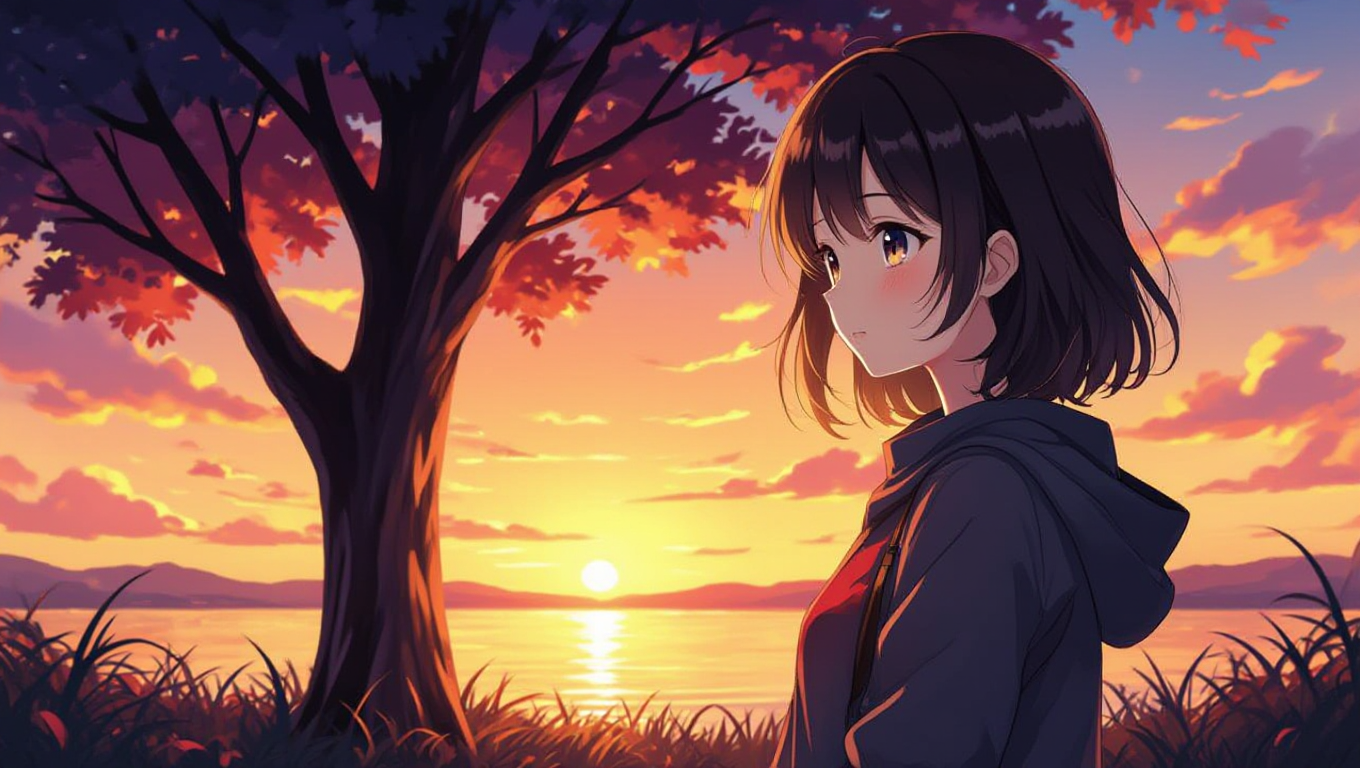
AI image generation has become a fun and creative way to make stunning visuals without needing advanced art skills. One platform, AI-Image-Generators.app, stands out by offering free access to powerful AI models like Flux, HiDream, and Nvidia Sana, with no sign-up required. This review dives into what makes this website special, how it works, and whether it’s worth your time. Written in simple language, this article will help you understand the platform’s features, strengths, and areas for improvement.
What Is AI-Image-Generators.app?
AI-Image-Generators.app is a website where anyone can create images using advanced AI models. You type a description (called a prompt), and the AI turns it into a picture. The platform is free, doesn’t ask for an account, and uses cutting-edge models like Flux, HiDream, and Nvidia Sana. These models are known for creating high-quality images, from photorealistic scenes to artistic designs.
The website aims to make AI image creation easy for everyone, whether you’re a student, hobbyist, or professional. No downloads or payments are needed, which sets it apart from many other platforms that require subscriptions or logins.
How Does It Work?
Using AI-Image-Generators.app is simple. Here’s a quick guide:
- Visit the Website: Go to AI-Image-Generators.app on your browser.
- Choose a Model: Pick from Flux, HiDream, or Nvidia Sana. Each model has unique strengths (more on that later).
- Enter a Prompt: Type a description of the image you want, like “a sunset over a mountain” or “a cartoon dog playing guitar.”
- Generate the Image: Click the button to create your image. It usually takes a few seconds.
- Download or Share: Save the image to your device or share it online.
The no-sign-up feature makes it super convenient. You can start creating right away without entering personal details.
Key Features of AI-Image-Generators.app
Here’s what makes this platform stand out:
1. Free to Use
You don’t need to pay or subscribe. Unlike platforms like Midjourney or DALL-E, which often require paid plans, AI-Image-Generators.app lets you create images for free. This is great for students or anyone on a budget.
2. No Sign-Up Required
You can jump in and start creating without making an account. This saves time and protects your privacy, as you don’t need to share your email or personal information.
3. Latest AI Models
The platform uses advanced models like:
- Flux: Known for realistic images and great prompt accuracy.
- HiDream: Excels at vibrant, artistic visuals and complex scenes.
- Nvidia Sana: Offers fast generation with high-quality results, especially for photorealistic images.
These models are some of the best in 2025, making the platform a top choice for cutting-edge AI art.
4. Easy-to-Use Interface
The website is clean and straightforward. Even if you’re new to AI tools, you can figure it out quickly. There’s no complicated setup or tech knowledge needed.
5. Fast Image Generation
Images are created in seconds, depending on the model and prompt complexity. This speed is perfect for trying out multiple ideas without waiting.
Strengths of AI-Image-Generators.app
Accessibility for Everyone
The no-sign-up, free model makes this platform accessible to anyone with an internet connection. Whether you’re a kid experimenting for a school project or an artist testing new ideas, you can use it without barriers.
High-Quality Images
The AI models produce impressive results. For example, Flux creates realistic scenes with accurate details, like shadows and textures. HiDream shines in colorful, artistic styles, while Nvidia Sana balances speed and quality.
I decided to try AI-Image-Generators.app with the Flux model to create a promotional image for my school’s science fair. I typed the prompt, “a futuristic robot presenting a glowing science project at a vibrant fair.” I chose Flux for its reputation for realistic details. After a few seconds, the result popped up, and I was amazed! The robot had sleek, metallic features, and the glowing project looked like something from a sci-fi movie. The fair’s background was colorful, with detailed booths and lights that felt lively.
However, the first image had the robot holding the project awkwardly, so I tweaked the prompt to “a futuristic robot confidently displaying a glowing science project.” The second try was perfect—the robot’s pose was dynamic, and the scene felt professional. I downloaded the image and used it on our event poster. It got tons of compliments for its polished look! Flux’s ability to handle complex prompts impressed me, though I had to be specific to get it just right. Overall, it was a fun and successful experience that made our science fair stand out.
Variety of Styles
You can create anything from realistic photos to cartoons, abstract art, or fantasy scenes. The models handle diverse prompts well, so you’re not limited to one style.
My friend Sarah, an aspiring writer, wanted a unique sci-fi character for her novel’s cover. She used AI-Image-Generators.app, and I watched her try it out. She picked the HiDream model, known for vibrant, artistic visuals, and typed, “a cyberpunk warrior with neon armor standing in a rainy city.” The first image was stunning—a tall figure in glowing blue armor, rain streaking across a neon-lit skyline. But the face was too generic, so Sarah adjusted the prompt to “a fierce cyberpunk warrior with a glowing scar on her face in a rainy city.” The next image nailed it! The warrior’s scar glowed subtly, and the city’s reflections added a dreamy vibe. Sarah was thrilled; it perfectly captured her character’s grit and the story’s mood. She downloaded the image and shared it with her writing group, who loved it. The process was quick, and the no-sign-up feature made it hassle-free. Sarah’s now planning to use HiDream for more book art, saying it brought her vision to life better than she imagined.
Community-Friendly
Since the platform uses open-source models like Flux and HiDream, it benefits from community improvements. Developers are constantly tweaking these models, which means the platform stays up-to-date with the latest advancements.
Weaknesses of AI-Image-Generators.app
No platform is perfect. Here are some areas where AI-Image-Generators.app could improve:
Limited Customization Options
While the platform is easy to use, it doesn’t offer advanced settings like adjusting image resolution or fine-tuning styles. More experienced users might want more control over the output.
Inconsistent Results
Sometimes, the AI might misinterpret your prompt. For example, asking for “a cat on a skateboard” might result in a cat next to a skateboard instead of riding it. This is common with AI image generators, but it can be frustrating.
When I used AI-Image-Generators.app, the occasional inconsistencies in image results were noticeable. For example, I tried creating “a dragon flying over a castle” with Flux, but one image showed the dragon standing on the ground. It was frustrating to not get exactly what I wanted on the first try. However, tweaking the prompt to “a dragon soaring above a medieval castle at sunset” fixed it, and the result was stunning. These hiccups made me spend extra time refining prompts, which could be annoying if I was in a rush. Still, I don’t think it’s a huge deal. The platform is free and doesn’t require a sign-up, so the trade-off feels fair. Plus, once I got the hang of writing specific prompts, the inconsistencies dropped. For casual users or beginners, this might feel like a small learning curve, but it’s manageable. For professionals needing precise results fast, it could be a bigger issue. Overall, the quality and accessibility outweigh the minor frustrations, and I enjoyed experimenting to get the perfect image.
No Mobile App
The website works on mobile browsers, but there’s no dedicated app. A mobile app could make it even easier to use on the go.
Internet Dependency
Since it’s an online platform, you need a stable internet connection. If your connection is slow, generating images might take longer or fail.
Comparing the AI Models: Flux, HiDream, and Nvidia Sana
Each model on AI-Image-Generators.app has its own strengths. Here’s a breakdown to help you choose:
Flux
- Best For: Realistic images and detailed prompts.
- Strengths: Great at following complex instructions, like “a futuristic city at night with neon lights.” It handles lighting and perspective well.
- Weaknesses: Can be slower than other models for simple prompts.
- Example: Try “a golden retriever in a spacesuit on Mars” for a realistic, detailed result.
HiDream
- Best For: Artistic and vibrant images.
- Strengths: Excels at creative prompts, like “a surreal forest with glowing trees.” It’s great for cartoons and abstract art.
- Weaknesses: May struggle with hyper-realistic details compared to Flux or Nvidia Sana.
- Example: Use “a ballerina dancing in a galaxy” for a colorful, dreamy image.
Nvidia Sana
- Best For: Fast generation with good quality.
- Strengths: Balances speed and realism, making it ideal for quick projects. It’s optimized for Nvidia GPUs, so it’s efficient.
- Weaknesses: Less versatile for highly artistic or niche styles.
- Example: Try “a modern office with sunlight streaming in” for a clean, realistic look.
I needed a social media graphic for my book club’s Instagram to promote our sci-fi reading month. I used AI-Image-Generators.app with the Nvidia Sana model for its speed and realistic output. My prompt was, “a futuristic library with glowing bookshelves and stars visible through a glass ceiling.” The first image, generated in seconds, was impressive—sleek shelves, vibrant books, and a starry sky. But the lighting felt flat, so I adjusted to “a futuristic library with glowing bookshelves under a starry glass ceiling at night.” The second image was perfect: vivid colors, soft lighting, and a magical vibe that screamed sci-fi. Nvidia Sana’s speed was a lifesaver, as I was on a tight deadline. I downloaded the image, added text with a free design tool, and posted it. The graphic got tons of likes and comments, with club members saying it captured the theme perfectly. The model performed reliably, though I needed a second try for ideal results. Its fast generation and quality made the process smooth and fun.
Who Should Use AI-Image-Generators.app?
This platform is great for:
- Students: Create visuals for school projects, like posters or presentations, without spending money.
- Hobbyists: Experiment with AI art for fun, like making fantasy characters or memes.
- Small Businesses: Generate free images for social media or marketing without hiring a designer.
- Developers: Test open-source AI models for creative or research projects.
However, professional artists or businesses needing consistent, high-resolution images might find the lack of advanced settings limiting.
Tips for Getting the Best Results
To make the most of AI-Image-Generators.app, try these tips:
- Be Specific with Prompts: Instead of “a dog,” try “a fluffy golden retriever sitting on a red couch.” Detailed prompts get better results.
- Experiment with Models: Test Flux for realistic images, HiDream for artistic ones, and Nvidia Sana for quick results.
- Try Multiple Prompts: If the first image isn’t perfect, tweak your description and try again.
- Check Lighting and Style: Mention lighting (e.g., “sunset glow”) or style (e.g., “cartoon”) to guide the AI.
How It Compares to Other Platforms
Here’s how AI-Image-Generators.app stacks up against similar tools:
- Stable Diffusion: Offers more customization but often requires a sign-up or local setup.
- DALL-E 3: Produces high-quality images but is locked behind a paid ChatGPT subscription.
- Midjourney: Great for artistic images but requires a Discord account and subscription for full access.
- NightCafe: Offers HiDream and other models but limits free usage and requires sign-up for some features.
AI-Image-Generators.app wins for its no-sign-up, free access and use of the latest models, but it lacks the advanced features of paid platforms.
Is It Safe and Ethical?
The platform uses open-source models, which are community-driven and transparent. However, AI image generation raises ethical questions, like copyright concerns or misuse for harmful content. AI-Image-Generators.app doesn’t require personal data, which is a plus for privacy. Always check the licensing terms for commercial use, as some models (like Flux) have specific rules, such as the Apache 2.0 license.
Final Thoughts
AI-Image-Generators.app is a fantastic option for anyone who wants to create AI images without spending money or signing up. Its use of advanced models like Flux, HiDream, and Nvidia Sana ensures high-quality results, and the simple interface makes it accessible to all ages. While it has some limitations, like inconsistent results or lack of advanced settings, the free access and ease of use make it a great starting point for AI art.
Whether you’re a student, hobbyist, or small business owner, this platform offers a fun and creative way to bring your ideas to life. Give it a try and see what you can create!
After using AI-Image-Generators.app, I’m impressed by how easy and fun it is to create stunning images for free. The no-sign-up feature was a big win—I could jump right in and experiment with Flux, HiDream, and Nvidia Sana. Each model delivered high-quality results, from realistic scenes to vibrant art, though I had to tweak prompts sometimes to get it right. For instance, my sci-fi library graphic and science fair poster turned out professional and eye-catching, perfect for my projects. The platform’s simplicity makes it great for beginners, students, or anyone wanting to play with AI art without spending money. However, the lack of advanced settings might frustrate pros needing precise control. Despite minor inconsistencies, the results were worth the effort, and the speed kept things efficient. I’d definitely recommend it to friends, especially students or hobbyists looking to create visuals for fun or small projects. It’s a fantastic, accessible tool that sparks creativity, and I’ll keep using it for quick, impressive designs.
Leave a Reply