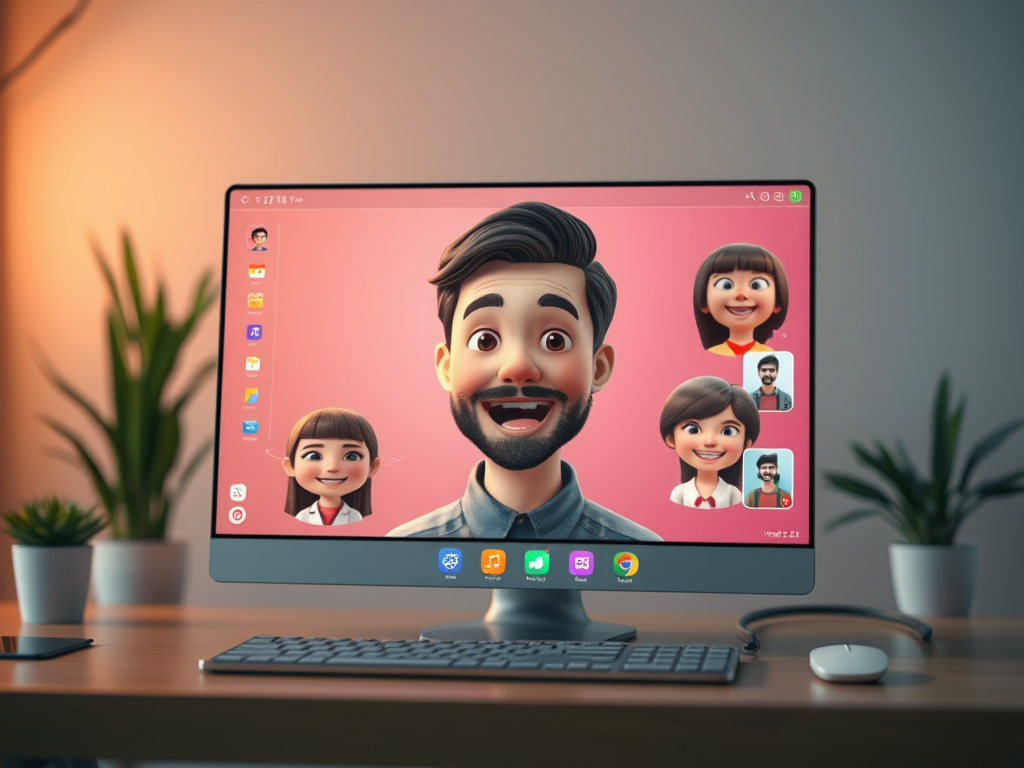
Artificial Intelligence (AI) has completely changed the way we create, share, and consume content online. Among the latest breakthroughs is AI talking image technology, which allows users to transform a still photo into a fully animated, speaking character. With precise lip-syncing and natural facial expressions, talking image generators are opening up new possibilities in entertainment, education, marketing, and personal use.
One of the newest tools in this space is the Wan2.2 Talking Images Generator, now available at Republiclabs.ai. This affordable solution is designed for creators who want to bring photos to life with minimal effort and cost. While it may not yet match the ultra-premium quality of ByteDance’s Omni Human, Wan2.2 offers an incredible balance between accessibility, affordability, and ease of use.
In this article, we’ll explore what Wan2.2 is, how it works, how it compares to alternatives like Omni Human, and why it’s worth trying for your next AI video project.
What is Wan2.2 Talking Images Generator?
Wan2.2 Talking Images Generator is an AI-powered tool that takes a static source image—such as a portrait, headshot, or illustration—and animates it into a realistic talking video. By inputting text or audio, the tool generates natural facial movements, life-like lip-syncing, and expressive animations.
With Wan2.2, anyone can:
- Upload a single still photo
- Enter a text script
- Select a voice
- Instantly generate a video of the photo “talking” with accurate mouth movements and natural expressions
This makes it perfect for content creators, educators, marketers, and hobbyists who want to add a new dimension of interactivity and storytelling to their visuals.
Why Use AI Talking Images Generators?
AI talking image generators solve a problem that once required professional animation teams and costly software: bringing characters to life with speech and expression. Here’s why they’re quickly gaining popularity:
- Accessibility – Anyone can animate an image without animation skills.
- Affordability – Tools like Wan2.2 are inexpensive, lowering the barrier to entry.
- Speed – Instead of hours of manual editing, you can create a talking image video in minutes.
- Versatility – Useful across industries: marketing, education, social media, gaming, and more.
- Creativity – Open up new possibilities for storytelling, personalization, and engagement.
By turning photos into speaking characters, these tools add depth and personality to otherwise static visuals.
Key Features of Wan2.2 Talking Images Generator
Wan2.2 is designed to be simple yet powerful. Some of its standout features include:
- Lifelike Lip-Syncing: Aligns perfectly with the input text or audio.
- Facial Expressions: Adds subtle movements like blinking, eyebrow raises, and smiles for realism.
- Low-Cost Access: Compared to competitors, Wan2.2 is incredibly budget-friendly.
- Quick Rendering: Generates results in just minutes, even for longer scripts.
- Web-Based Platform: No need to install software—everything runs directly at Republiclabs.ai.
- Text-to-Speech Integration: Supports multiple voices, so you can create a talking video from just typed text.
How Wan2.2 Compares to ByteDance’s Omni Human
ByteDance’s Omni Human is widely regarded as one of the most advanced AI talking human models available today. It boasts ultra-realistic skin textures, micro-expressions, and professional-grade animation quality. However, it comes at a premium cost and may be excessive for everyday creators who simply want functional, good-quality results.
Here’s how Wan2.2 stacks up against Omni Human:
| Feature | Wan2.2 Talking Images Generator | ByteDance Omni Human |
|---|---|---|
| Cost | Extremely affordable | Premium / Expensive |
| Ease of Use | Simple, no restrictive filters | Simple, with strict filters for NSFW |
| Quality | Good but not hyper-realistic | Industry-leading realism |
| Speed | Fast, beginner-friendly | Slower but more detailed |
| Best For | Hobbyists, educators, small businesses | Film, advertising, high-end production |
In short, Wan2.2 is the practical, budget-friendly option, while Omni Human caters to professionals who need studio-level realism.
Practical Uses for Wan2.2 Talking Images
The affordability and ease of Wan2.2 make it appealing for a wide range of applications. Some popular uses include:
1. Education & Training
Teachers and trainers can create talking avatars to deliver lessons or tutorials, making learning more interactive and engaging.
2. Social Media Content
Influencers and creators can animate profile pictures, memes, or fictional characters for fun, shareable videos.
3. Marketing & Branding
Businesses can bring mascots, spokespeople, or product images to life, creating personalized campaigns that grab attention.
4. Entertainment & Storytelling
Writers, artists, and filmmakers can quickly create animated characters to narrate stories or explain concepts.
5. Personal Use
Want to surprise friends with a talking birthday card? Or animate a family photo for fun? Wan2.2 makes it easy.
Advantages of Wan2.2 Talking Images Generator
- Affordability: The biggest selling point—highly accessible to individuals and small businesses.
- Simplicity: Minimal learning curve, ideal for beginners.
- Quick Results: Perfect for time-sensitive projects.
- Versatile Applications: Can be used across industries without restrictions.
- Hosted on Republiclabs.ai: Safe, reliable, and user-friendly platform.
Limitations to Keep in Mind
While Wan2.2 offers excellent value, it does have some trade-offs compared to more premium tools:
- Slightly Lower Quality: Facial animations and lip-syncing are very good but may lack the hyper-real detail of Omni Human.
- Less Customization: Limited control over advanced facial gestures or body movement.
- Not Suited for High-End Film: More appropriate for casual, marketing, or educational use than cinematic production.
That said, for most users, these limitations are outweighed by its cost-effectiveness and speed.
How to Get Started with Wan2.2 Talking Images Generator
Trying Wan2.2 is simple:
- Visit Republiclabs.ai Talking Images Generator.
- Upload your source image (headshots work best).
- Type in your script.
- Select your voice option.
- Click generate, and watch your photo come to life!
Within minutes, you’ll have a fully animated video ready to download and share.
Why Republiclabs.ai is the Best Place to Try Wan2.2
Republiclabs.ai is quickly becoming a go-to platform for creators because it:
- Aggregates multiple cutting-edge AI tools in one place
- Offers both free and premium AI models for images, videos, and animations
- Allows unlimited creativity with no content restrictions
- Stores all your generated content in a single, easy-to-access dashboard
By hosting Wan2.2 Talking Images Generator, Republiclabs.ai makes AI video creation more accessible than ever before.
Final Thoughts: Is Wan2.2 Worth Trying?
If you’re curious about AI talking image technology but don’t want to invest heavily in premium platforms like Omni Human, Wan2.2 Talking Images Generator is an excellent entry point. It combines affordability, ease of use, and impressive lip-syncing capabilities to bring your photos to life in just minutes.
While it may not yet deliver cinema-grade realism, its cost-effectiveness and speed make it perfect for educators, marketers, influencers, and casual creators alike.
👉 Try Wan2.2 Talking Images Generator today at Republiclabs.ai.
Leave a Reply