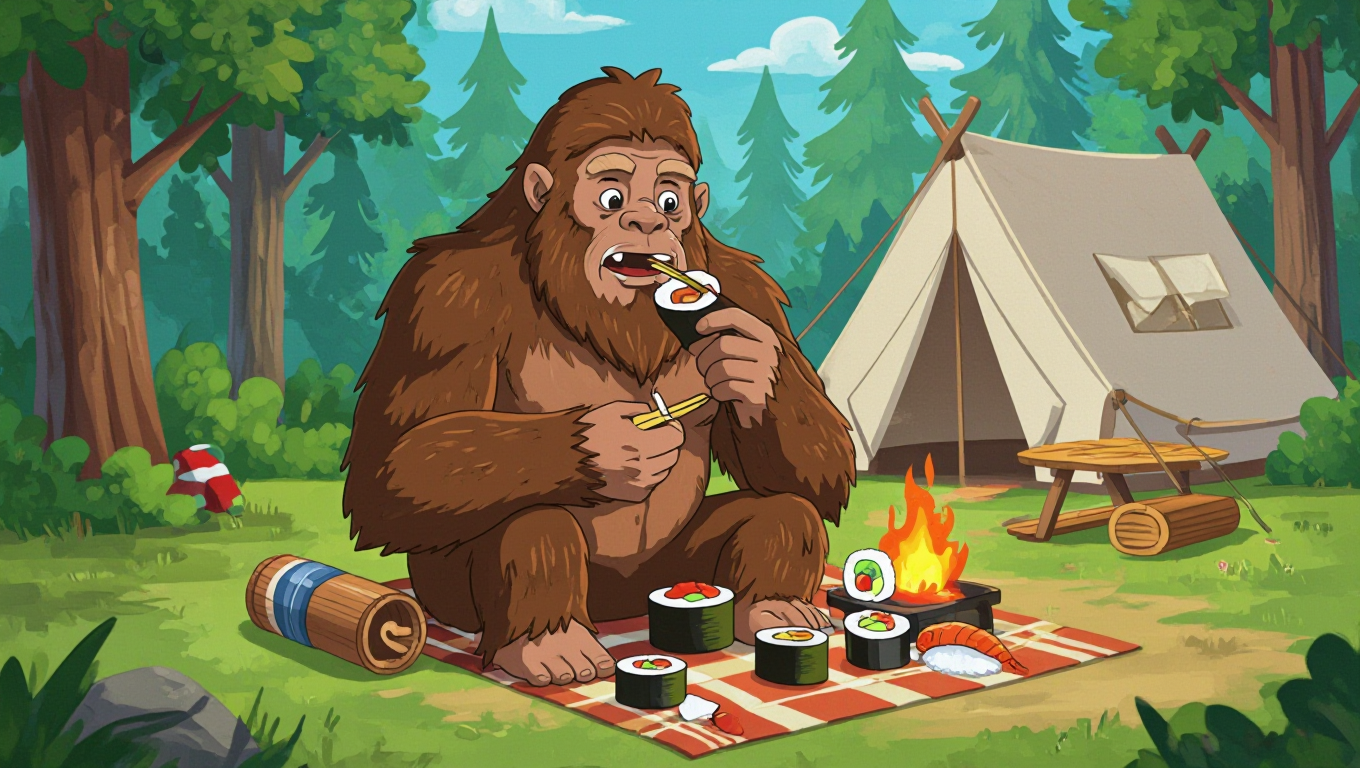
AI image-to-image generation is an exciting leap forward from traditional text-to-image creation, allowing you to transform existing photos into stunning new visuals with the power of artificial intelligence. Whether you’re a graphic designer, photographer, or hobbyist, these tools can help you reimagine your images in various styles, from photorealistic to abstract art. In this article, we explore the best AI image-to-image generators available in 2025, highlighting their features, strengths, and how to use them. Plus, we’ll include a step-by-step tutorial to get you started.
How Do AI Image-to-Image Generators Work?
AI image-to-image generators leverage advanced deep learning techniques, such as generative adversarial networks (GANs) and diffusion models, to transform existing images based on user prompts. These models are trained on vast datasets of images and text, learning to recognize and replicate visual patterns. By uploading an existing photo and providing a prompt, the AI can modify the image’s style, content, or composition while preserving key details. The result? A transformed image that aligns with your creative vision.
Here are our top picks for the best AI image-to-image generation tools in 2025, with a focus on their unique features and ideal use cases.
Top AI Image-to-Image Generators
1. Republiclabs.ai
Overview: Republiclabs.ai is a cutting-edge AI image generator that excels in transforming existing photos into high-quality, professional-grade visuals. It offers a user-friendly interface and a wide range of AI artistic styles, making it a versatile choice for both beginners and professionals. Its seamless integration with creative workflows and fast processing speeds set it apart.
Key Features:
- Supports multiple AI artistic styles (Studio Ghibli, Simpsons, Cyberpunk, etc.).
- High-quality image transformations that preserve intricate details and textures.
- Fast processing for quick results.
- Accessible via web and mobile platforms.
Best For: Creators seeking a balance of ease of use, speed, and professional-grade results, especially for marketing, social media, and digital art projects.
Pros:
- Intuitive interface suitable for all skill levels.
- High-speed processing without compromising quality.
- Flexible style options for diverse creative needs.
Cons:
- Some advanced features may require a premium subscription.
- Limited offline functionality compared to local tools.
Price: Free tier with basic features; premium plans unlock advanced functionalities.
2. Stable Diffusion
Overview: Stable Diffusion is a widely celebrated open-source AI model known for its extensive customization options. It allows users to generate and modify images with unparalleled control, making it a favorite among tech-savvy creators and developers.
Key Features:
- Completely free and open-source, with options to modify the model.
- Supports both local and cloud-based generation for flexibility.
- Highly customizable, with options for style transfer, content replacement, and more.
- Inpainting feature for editing specific areas of an image.
Best For: Tech-savvy users, developers, and creatives who want full control over their image generation process.
Pros:
- Unmatched customization and personalization options.
- Can run locally, ensuring data privacy.
- Active community support for plugins and integrations.
Cons:
- Requires technical knowledge for setup and optimization.
- Local running may demand high-end hardware.
Price: Free (open-source); cloud-based platforms may charge for usage.
3. Leonardo AI
Overview: Leonardo AI is an emerging player in the AI image generation space, known for its high-speed processing and ability to balance realism with artistic flair. It’s gaining traction among game developers, digital artists, and marketers.
Key Features:
- Supports both realistic and stylized image transformations.
- High-speed processing for quick results.
- Free and paid options for varying user needs.
- Advanced tools for professional-grade outputs.
Best For: Game developers, digital artists, and marketers needing fast, high-quality visuals.
Pros:
- Fast processing speeds.
- Versatile for both professional and artistic use.
- Free tier offers robust features for casual users.
Cons:
- Premium features can be costly for heavy users.
- Less intuitive for beginners compared to other tools.
Price: Free tier available; paid plans for advanced features.
4. Google’s Imagen
Overview: Google’s Imagen is a powerful AI image generator integrated into Google’s ecosystem, offering seamless compatibility with tools like Google Photos and Drive. It’s designed for users who value simplicity and high-quality outputs.
Key Features:
- Easy integration with Google’s ecosystem.
- High-quality image transformations with minimal effort.
- Supports a variety of styles, from photorealistic to artistic.
- Cloud-based for accessibility across devices.
Best For: Users already within Google’s ecosystem looking for a straightforward, high-quality solution.
Pros:
- Seamless integration with Google services.
- User-friendly for non-technical users.
- Reliable and consistent output quality.
Cons:
- Limited customization compared to open-source tools.
- Requires internet access for full functionality.
Price: Free with limited features; premium options available via Google Cloud.
Tutorial: How to Use Republiclabs.ai for Image-to-Image Generation
Ready to transform your photos with Republiclabs.ai? Follow this step-by-step guide to create stunning AI-generated visuals from an existing image.
Step 1: Sign Up and Access Republiclabs.ai
- Visit the Republiclabs.ai website (www.republiclabs.ai) (www.republiclabs.ai).
- Sign up for a free account or log in if you already have one.
- Navigate to the image to image section from the dashboard.
Step 2: Upload Your Image
- Click the “Upload Image” button and select a photo from your device.
- Ensure the image is high-quality (at least 512×512 pixels) for best results.
- Republiclabs.ai supports common formats like PNG.
Step 3: Choose a Style and Enter a Prompt
- Select a style from the available options (e.g., Studio Ghibli, Simpsons, Anime, etc ).
Step 4: Generate and Refine
- Click “Generate” to process the image. This typically takes a few seconds, depending on the complexity.
- Review the output. If it’s not perfect, simply re-upload the image and try again.
- You can also try other styles and regenerate for different results.
Step 5: Download and Use
- Once satisfied, right click to “Download” to save your transformed image.
- Use the image for your project, whether it’s for social media, marketing, or personal art.
- If needed, integrate the image into other tools like Canva or Photoshop for further enhancements.
Tips for Best Results
- Experiment with Styles: Try different artistic styles to see what works best for your vision.
- Iterate: If the first output isn’t perfect, re-upload your image or use different styles to refine the result.
- Check Licensing: Ensure your usage complies with Republiclabs.ai’s terms, especially for commercial projects.
Why Choose AI Image-to-Image Generators?
AI image-to-image generators offer unparalleled creative freedom, cost-effectiveness, and accessibility. Here’s why they’re a game-changer:
- Creative Flexibility: Transform photos into any style, from classic art to futuristic designs.
- Time-Saving: Generate professional visuals in seconds without advanced design skills.
- Cost-Effective: Many tools, like Republiclabs.ai, offer free tiers or affordable plans.
- Versatility: Ideal for marketing, social media, game development, and personal projects.
Conclusion
AI image-to-image generation is revolutionizing how we create and transform visuals. Tools like Republiclabs.ai, Stable Diffusion, Leonardo AI, and Google’s Imagen offer powerful solutions for turning your photos into stunning works of art. Whether you’re a beginner or a seasoned creator, these tools provide the flexibility and quality to bring your ideas to life.
Republiclabs.ai stands out for its ease of use, fast processing, and professional-grade results, making it a top choice for 2025. Try it today, follow our tutorial, and unlock the endless possibilities of AI-powered creativity!
Disclaimer: Some tools mentioned may offer premium features through subscriptions. Always review licensing terms for commercial use. For more AI tips and tutorials, subscribe to our blog
Leave a Reply