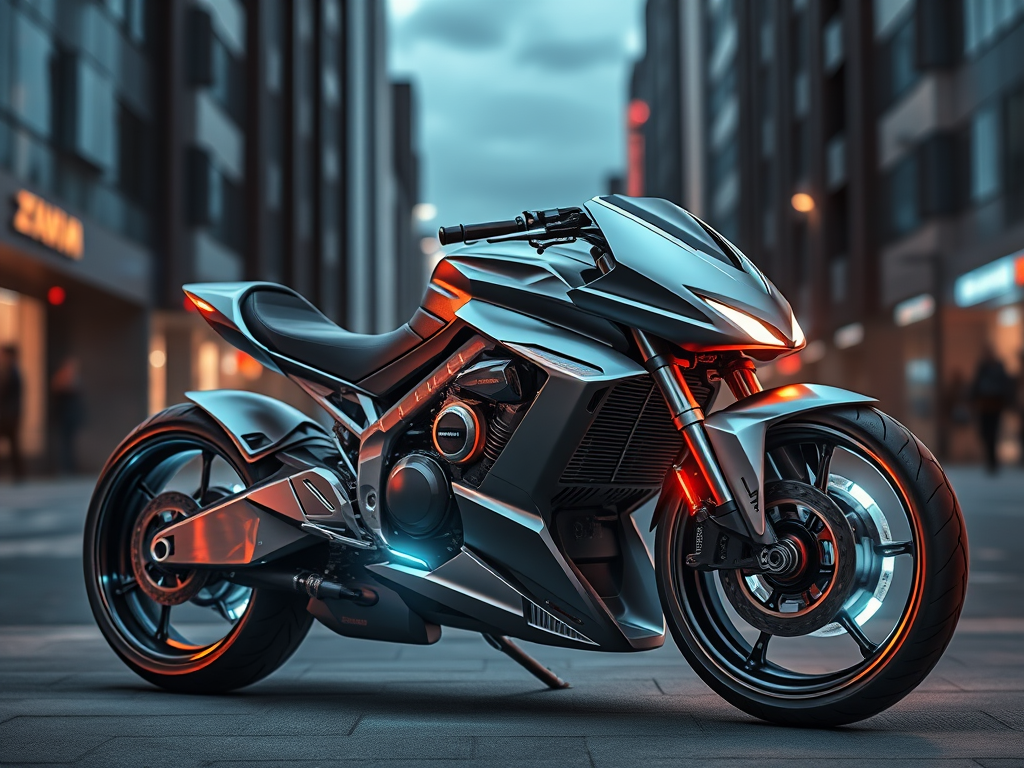
If you’ve ever felt frustrated because your carefully written 300-word prompt produced something completely different from what you imagined, you’re not alone. The problem isn’t your creativity — it’s the way most people write prompts: long, ambiguous natural-language paragraphs that the model has to parse like a human would.
The single fastest upgrade you can make today is to abandon paragraph-style prompts and switch to structured JSON prompting.
Why JSON Prompting Wins (Almost Instantly)
| Benefit | Paragraph Prompt | JSON Prompt |
|---|---|---|
| Consistency | Low (model guesses structure) | Extremely high |
| Weight control | Hacky (using parentheses, ::, etc.) | Precise numeric weights |
| Reusability | Copy-paste nightmare | Save as templates, remix easily |
| Negative prompt control | One giant blob | Separate, structured section |
| Aspect ratio / steps / seed / sampler | Buried in text or UI fields | Explicit fields, no magic words required |
| Debugging | Guesswork | Change one field → predictable result |
People who switch to JSON typically see a 2–5× improvement in hitting their vision on the first try.
Core JSON Structure (Works Almost Everywhere in 2025)
Most modern interfaces now support JSON prompts natively or via extensions:
- ComfyUI (native)
- Automatic1111 / Forge (via “Prompt JSON” or “Structured Prompt” extensions)
- InvokeAI (native)
- SwarmUI / ComfyUI Manager
- Midjourney (via –parameters JSON hack or third-party tools)
- Flux tools (Kappa, ComfyUI Flux nodes, etc.)
Here’s the universal template you can start using today:
{
  "positive": "masterpiece, best quality, ultra-detailed, 8k, a beautiful girl with silver hair, wearing a cyberpunk jacket, neon city background at night, cinematic lighting, depth of field",

  "negative": "blurry, lowres, bad anatomy, bad hands, missing fingers, extra digits, cropped, worst quality, jpeg artifacts, signature, watermark, username, deformed, mutated",

  "style": {
    "art_style": "realistic anime hybrid",
    "color_palette": "cyberpunk neon (purple, pink, blue)",
    "lighting": "volumetric god rays, rim lighting",
    "camera": "35mm lens, f/1.8, shot on ARRI Alexa"
  },

  "weights": {
    "subject": 1.4,
    "silver hair": 1.3,
    "cyberpunk jacket": 1.2,
    "neon city background": 0.9,
    "cinematic lighting": 1.1
  },

  "parameters": {
    "steps": 40,
    "cfg_scale": 6.5,
    "sampler": "DPM++ 3M SDE Karras",
    "scheduler": "Exponential",
    "seed": -1,
    "width": 832,
    "height": 1216,
    "clip_skip": 2
  }
}
How the Model Actually Reads JSON (What Actually Happens)
Most JSON-aware frontends convert this structure into a perfectly weighted prompt behind the scenes:
( masterpiece:1.0 ), ( best quality:1.0 ), ( ultra-detailed:1.0 ),
(( a beautiful girl with silver hair:1.4 )),
(( silver hair:1.3 )),
(( cyberpunk jacket:1.2 )),
( neon city background at night:0.9 ),
( cinematic lighting:1.1 ), depth of field, 8k
Plus style keywords get injected at the right places automatically.
Minimal Viable JSON (Start Here — 80% of the Gain)
If the full version scares you, start with just this:
{
  "prompt": "a cat wearing a spacesuit on the moon, detailed, sharp focus",
  "negative_prompt": "blurry, deformed, ugly",
  "weight": 1.4,
  "steps": 30,
  "cfg": 7,
  "sampler": "Euler a"
}
That alone beats 95% of paragraph prompts.
Pro-Level JSON Patterns (Copy-Paste These)
1. Subject Emphasis Template
{
  "subject": "elf archer girl, long green hair, emerald eyes",
  "subject_weight": 1.6,
  "outfit": "leather armor, cloak, intricate details",
  "outfit_weight": 1.2,
  "scene": "ancient forest, mist, rays of light",
  "scene_weight": 0.9,
  "quality": "masterpiece, ultra-detailed, sharp focus",
  "negative": "lowres, bad hands, blurry, deformed"
}
2. Artist + Style Stacking
{
  "prompt": "landscape, mountains, lake reflection",
  "artists": [
    {"name": "Albert Bierstadt", "weight": 1.3},
    {"name": "Studio Ghibli", "weight": 1.1},
    {"name": "Greg Rutkowski", "weight": 0.8}
  ],
  "style_modifiers": "dramatic lighting, golden hour, hyperdetailed"
}
3. LoRA Stacking (ComfyUI / Forge)
{
  "prompt": "photo of a woman, <lora:xl_more_art:0.8>, <lora:flux_realism:0.7>",
  "trigger_words": true,
  "lora_weights": {
    "xl_more_art": 0.8,
    "flux_realism": 0.7,
    "some_style_lora": 0.5
  }
}
Tools That Make JSON Prompting Even Easier
- PromptJSON Editor (VS Code extension) – syntax highlighting + auto-complete
- ComfyUI “JSON Prompt” node
- “Structured Diffusion” extension for A1111/Forge
- PromptHero’s JSON template library
- My own prompt library (public JSON files you can fork): github.com/yourname/ai-prompt-templates
Real Before/After Examples
Before (paragraph):
“highly detailed fantasy warrior woman with white hair and glowing blue eyes wearing dark armor standing on a cliff at sunset, dramatic lighting, cinematic, sharp focus, masterpiece, by wlop and rossdraws and sakimichan”
After (JSON):
{
  "subject": "fantasy warrior woman, white hair, glowing blue eyes",
  "subject_weight": 1.5,
  "outfit": "dark intricate armor",
  "scene": "standing on cliff, sunset, dramatic sky",
  "lighting": "cinematic, god rays",
  "artists": ["wlop:1.2", "rossdraws:1.0", "sakimichan:0.9"],
  "quality_boosters": "masterpiece, ultra-detailed, 8k",
  "negative": "blurry, low quality, extra limbs"
}
Result: 9/10 times the JSON version nails the eyes, armor details, and composition on the first generation.
Your 5-Minute Action Plan
- Pick your main tool (ComfyUI, Forge, InvokeAI, etc.)
- Install the JSON prompt extension/node if needed
- Save the minimal template above as starter.json
- Next time you generate an image, paste the JSON instead of typing a paragraph
- Tweak one number at a time (e.g., raise subject_weight to 1.6) and watch the magic
Do this for one week and you will never go back to paragraph prompts again.
JSON prompting is the closest thing to a cheat code that currently exists in AI image generation. Use it.
Leave a Reply