If you’re looking for strong alternatives to Grok Imagine (the video-generation tool from xAI), here are five standout platforms worth exploring—each with its own strengths, use-cases and trade-offs.
1. Runway Gen‑4


Why pick it:
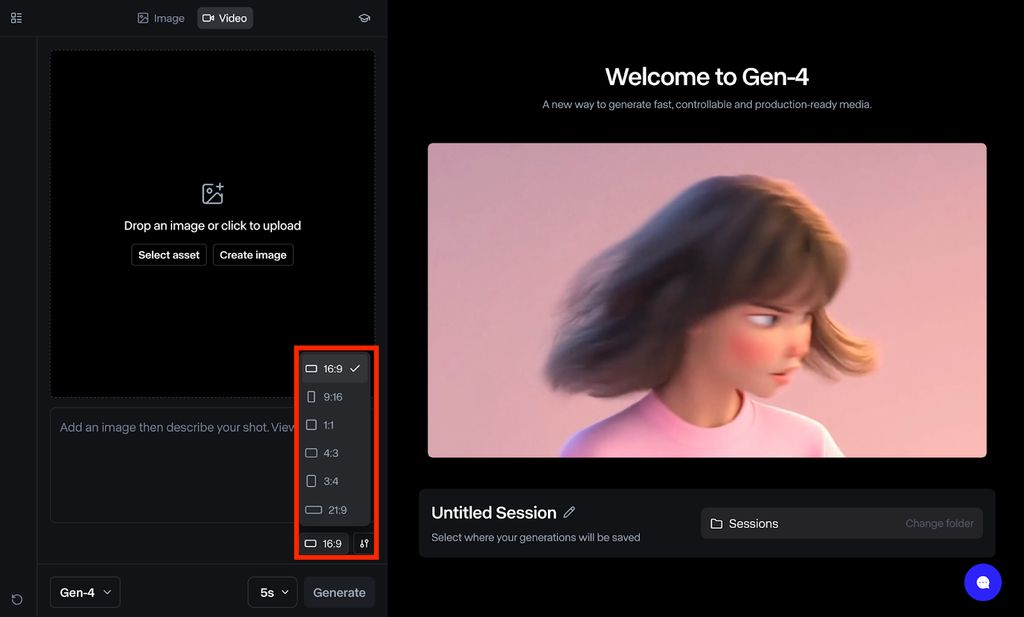
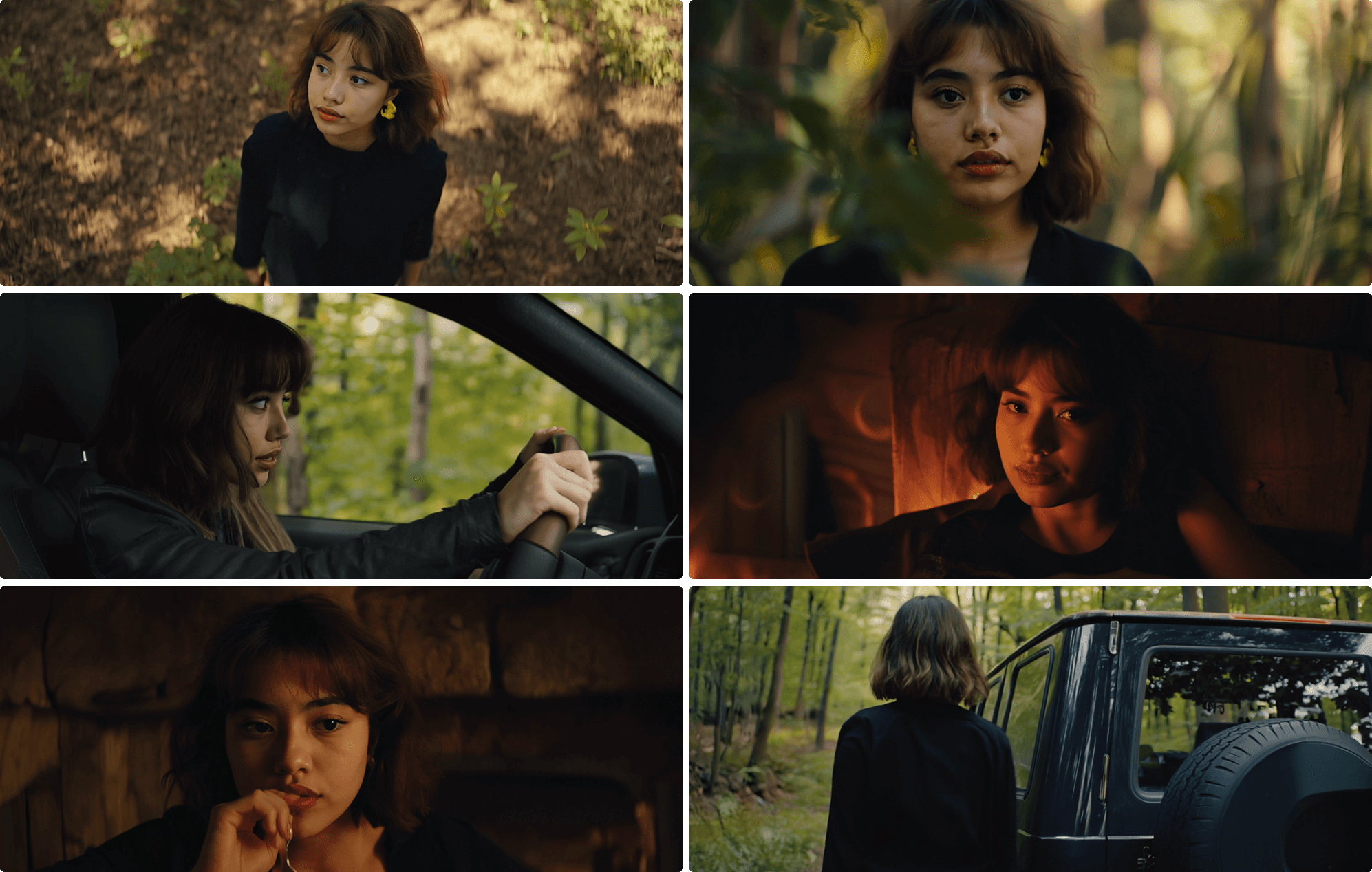
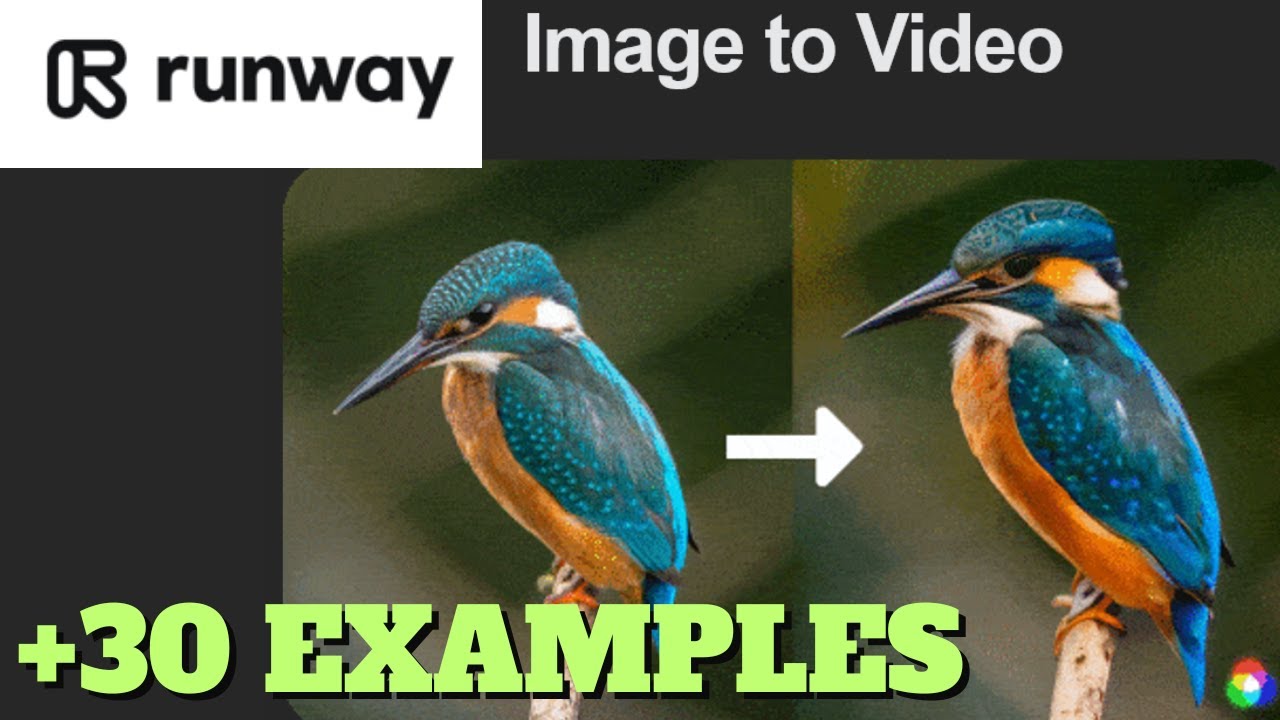
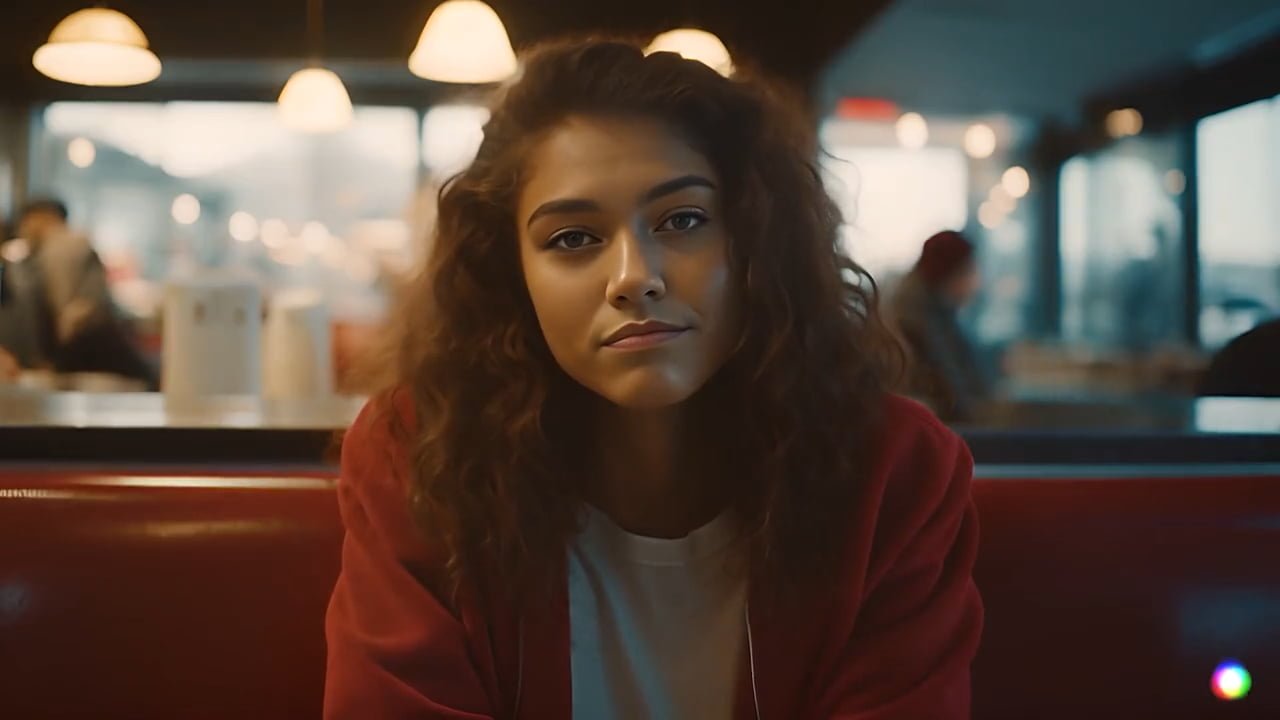
- Runway’s Gen-4 model supports text-to-video, image-to-video and more, with improved consistency in characters/objects across frames. (Wikipedia)
- The platform is widely used for creative content, editing workflows, and even film/advertising pre-production. (Wikipedia)
- Good for creators who want more control, high fidelity, and professional output.
Considerations: - Relatively higher cost / steeper learning curve than simpler tools.
- Clip lengths may still be limited (e.g., short-form videos) depending on plan.
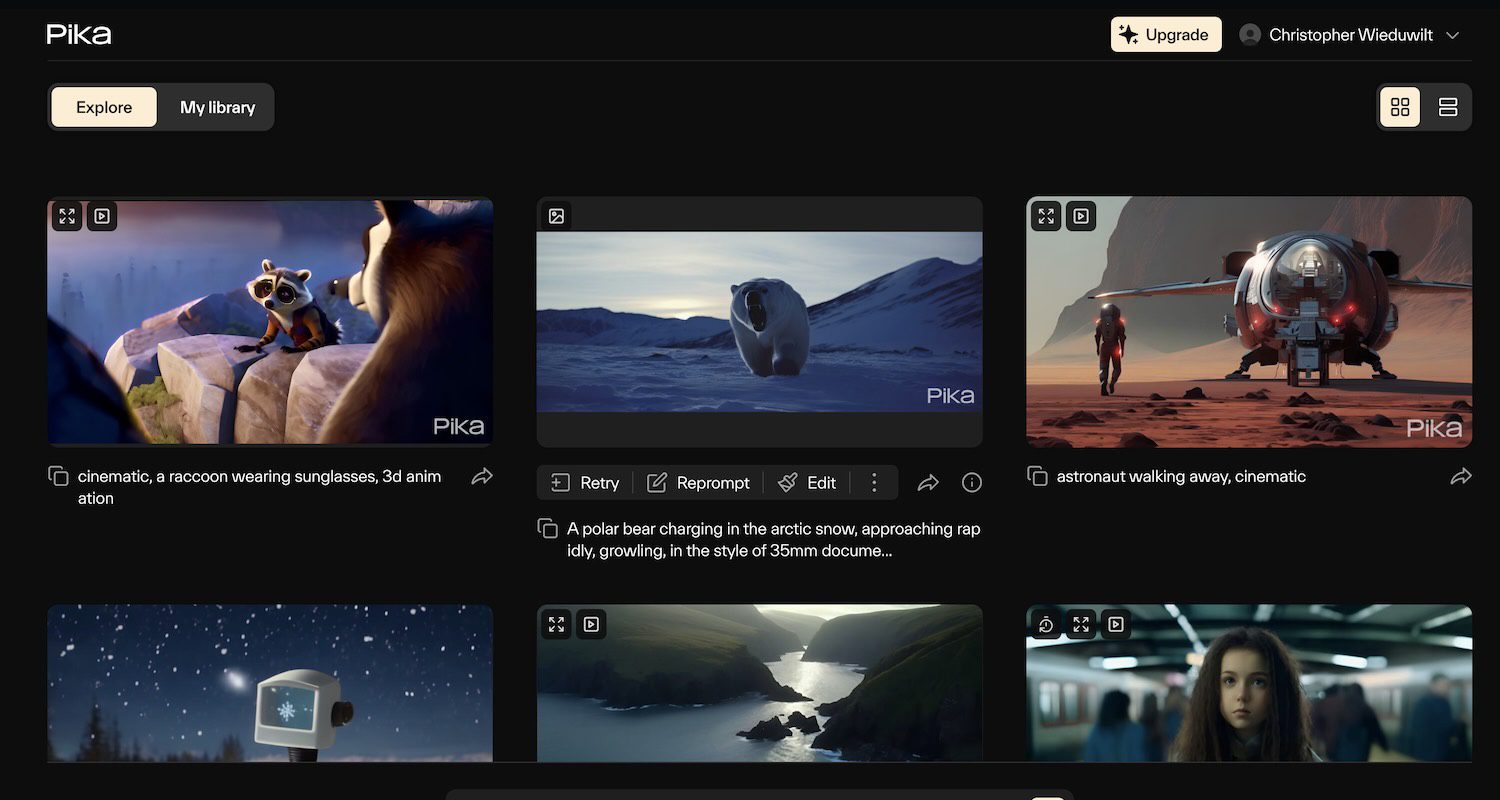
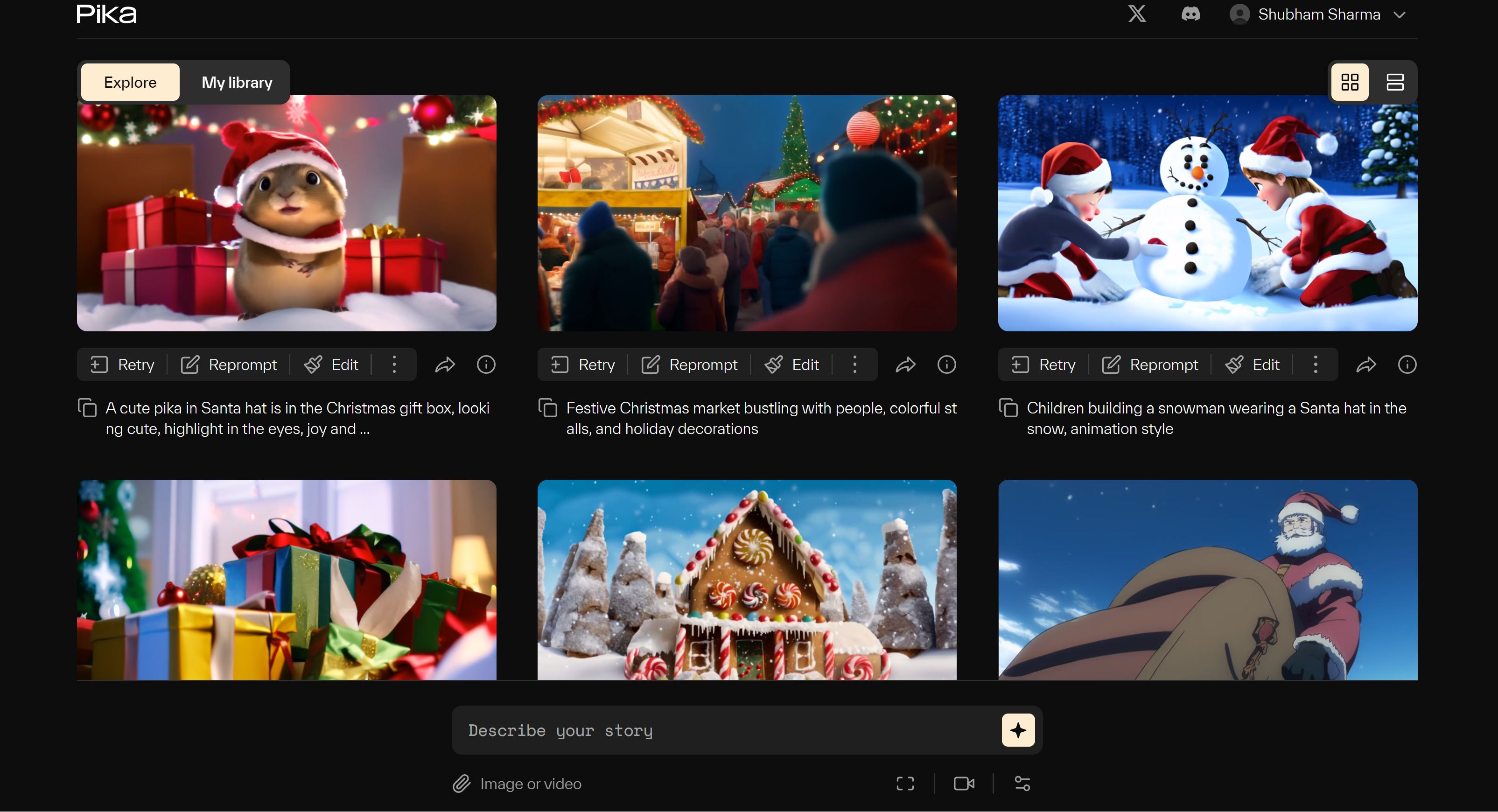
2. Pika AI


Why pick it:
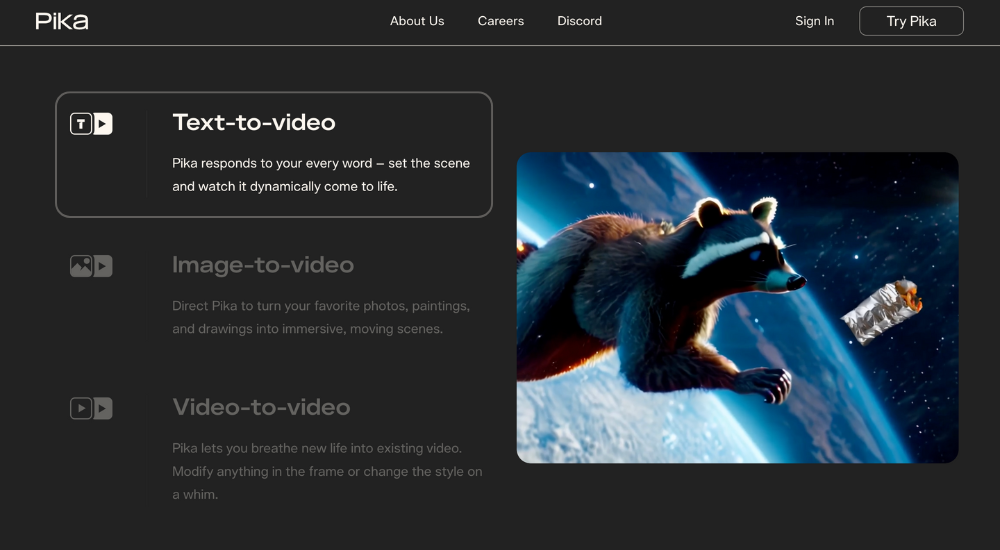
- Pika is designed for quick, fun, accessible video generation—text-to-video or image-to-video. (Pollo AI)
- Offers effects like “Pikaffects” and “Pikaswaps” to animate or transform video elements creatively. (Deevid)
- Ideal for social media clips, creative experiments, and users who don’t need ultra-cinematic output.
Considerations: - Might offer less “polish” than Runway for high-end visuals.
- Free plan may have limits (watermark, length, resolution).
3. Luma Dream Machine




Why pick it:
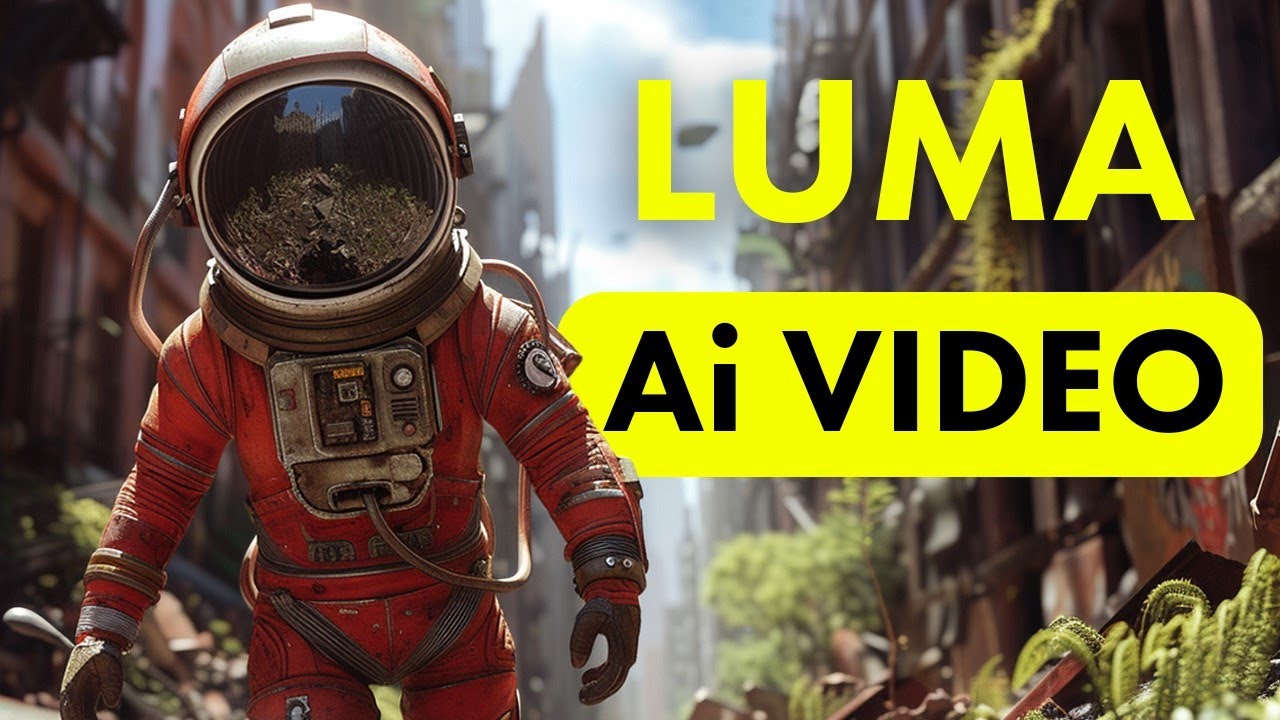
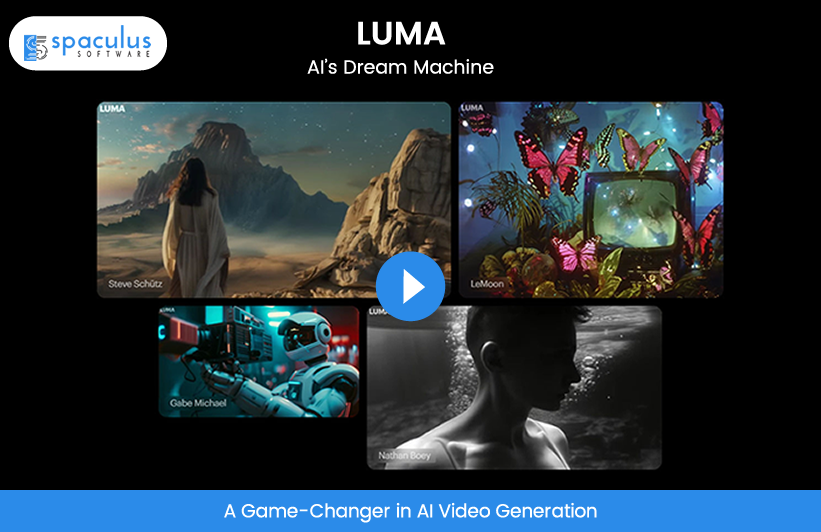
- Luma’s “Dream Machine” model enables image-to-video and text-to-video generation with cinematic motion and “world-building” style. (Luma AI)
- Useful for creators who want to turn their photography, illustrations or still designs into short videos.
Considerations: - Some user feedback suggests “hit or miss” results with certain prompts/images. (Reddit)
- Might require experimentation to get best output.
4. RepublicLabs.ai


Why pick it:
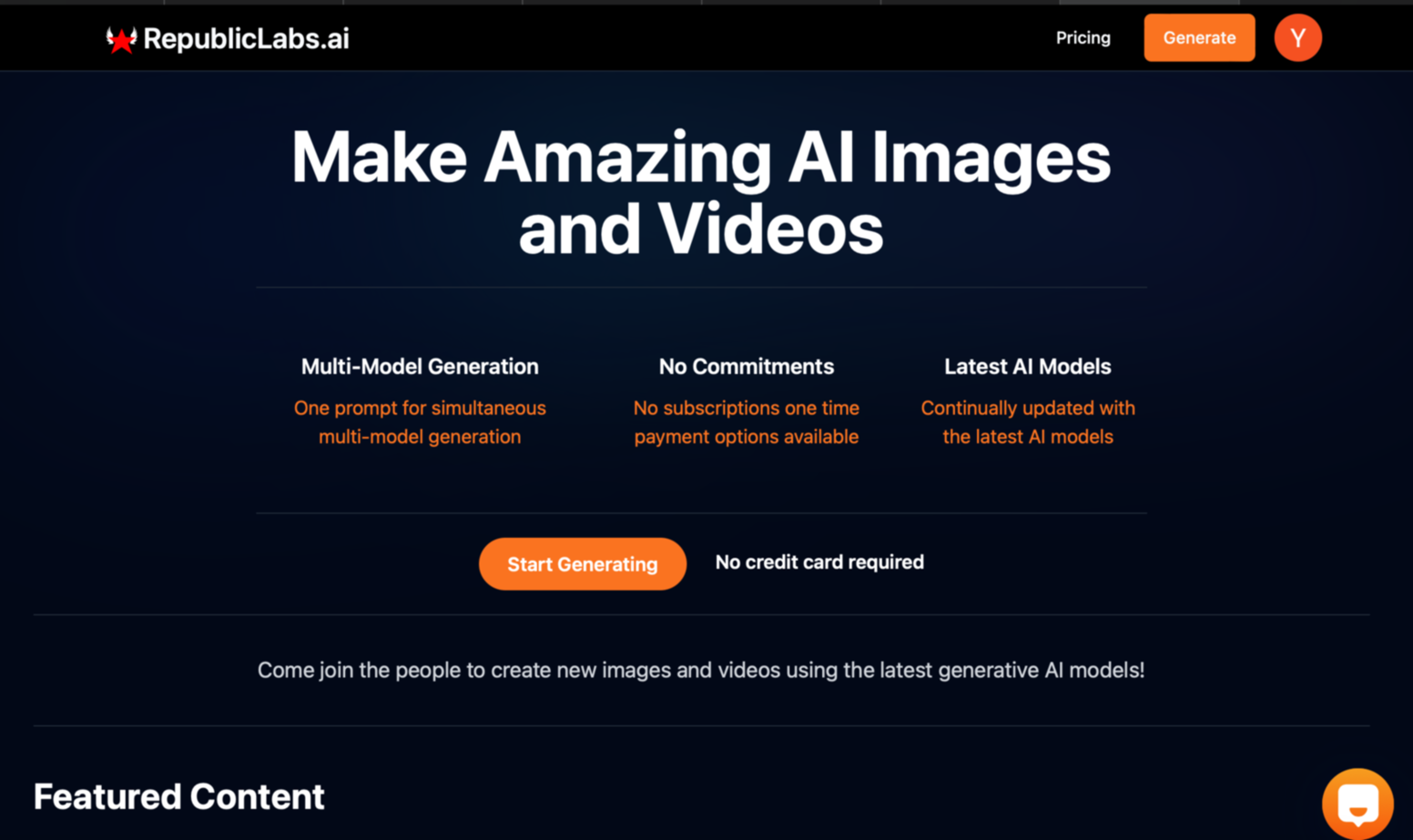
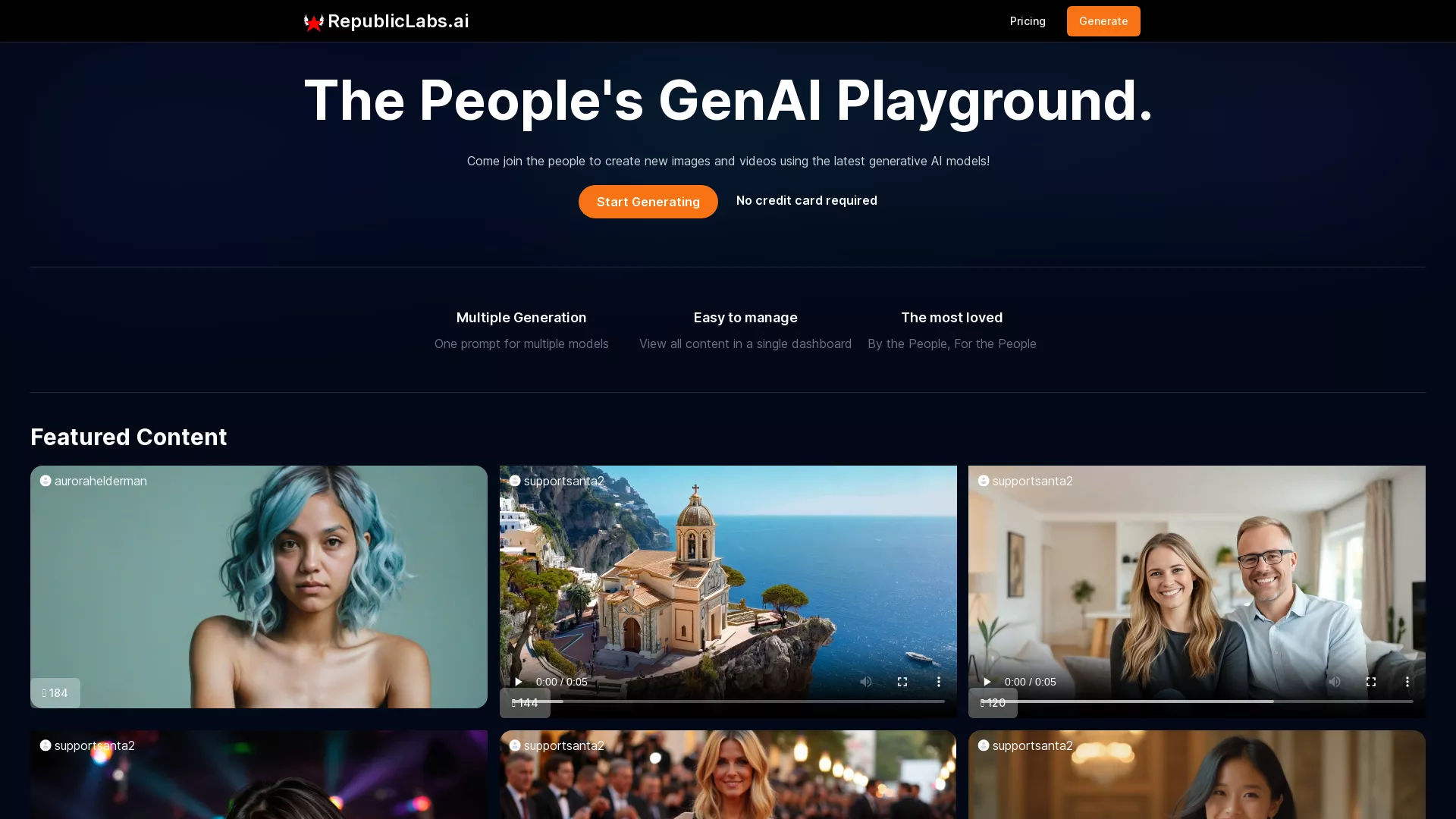
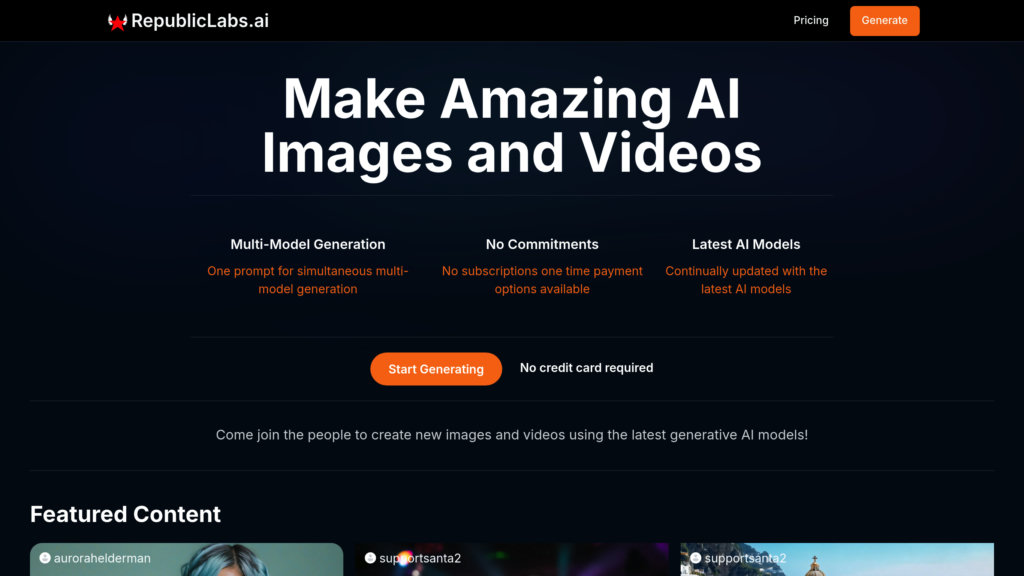
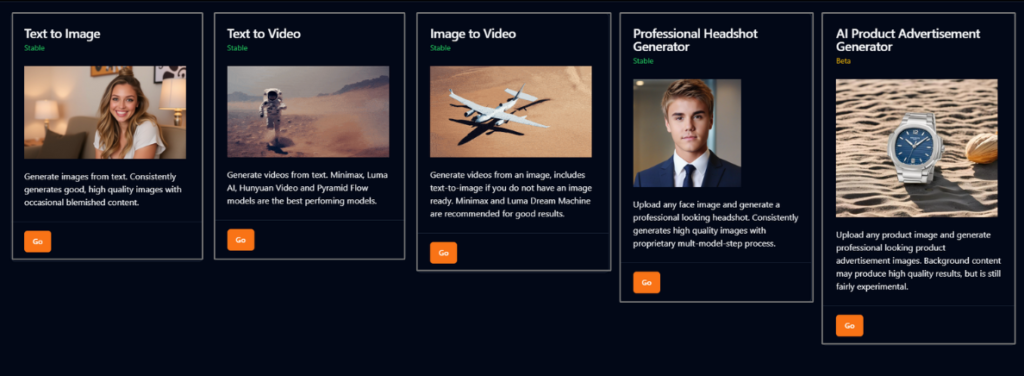
- RepublicLabs.ai offers a robust suite: text-to-image, image-to-video, text-to-video and more.
- Allows users to run multiple AI models in a single prompt, aggregate results in one dashboard, and supports both personal and commercial use.
- The flexibility of model choice is a major plus: you’re not locked into one engine, you can experiment.
Considerations: - Because it supports many models and features, you may need to spend some time learning its workflows.
- As with all AI video generators, output quality will depend on prompt, reference material, and how well you craft your request.
5. Grok Imagine (as the “original” you might be replacing)


Why it merits mention:
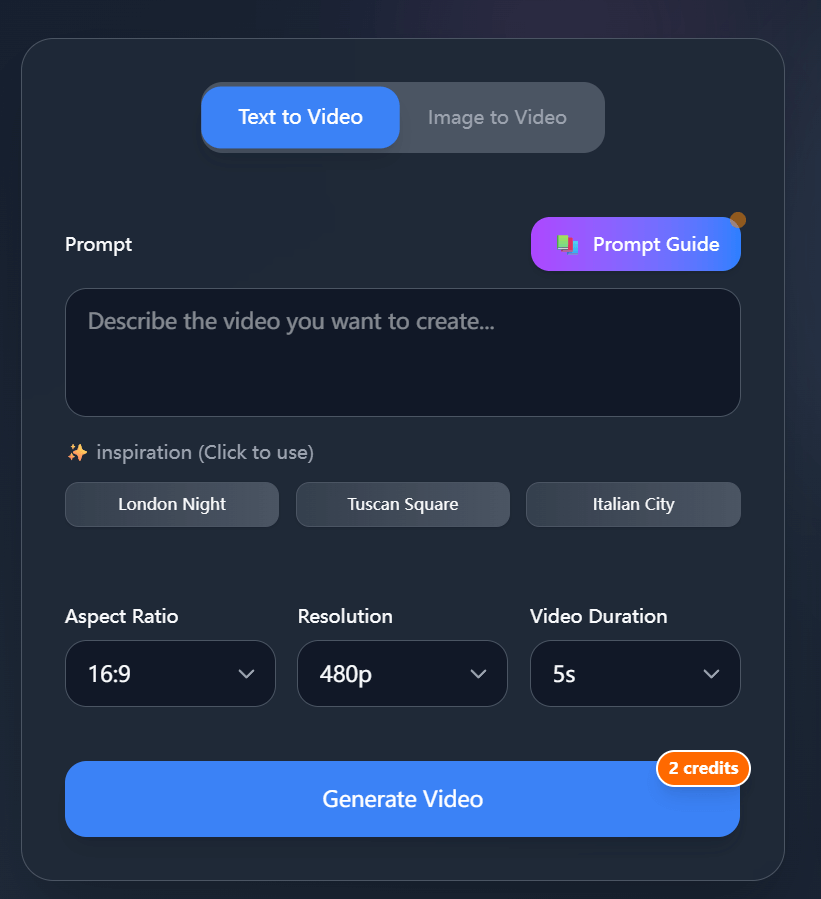
- Grok Imagine is the new video-generation feature from xAI, described as text-or-image-to-video with audio and short-form focus. (TechCrunch)
- If you’re evaluating alternatives, it helps to benchmark against what Grok offers.
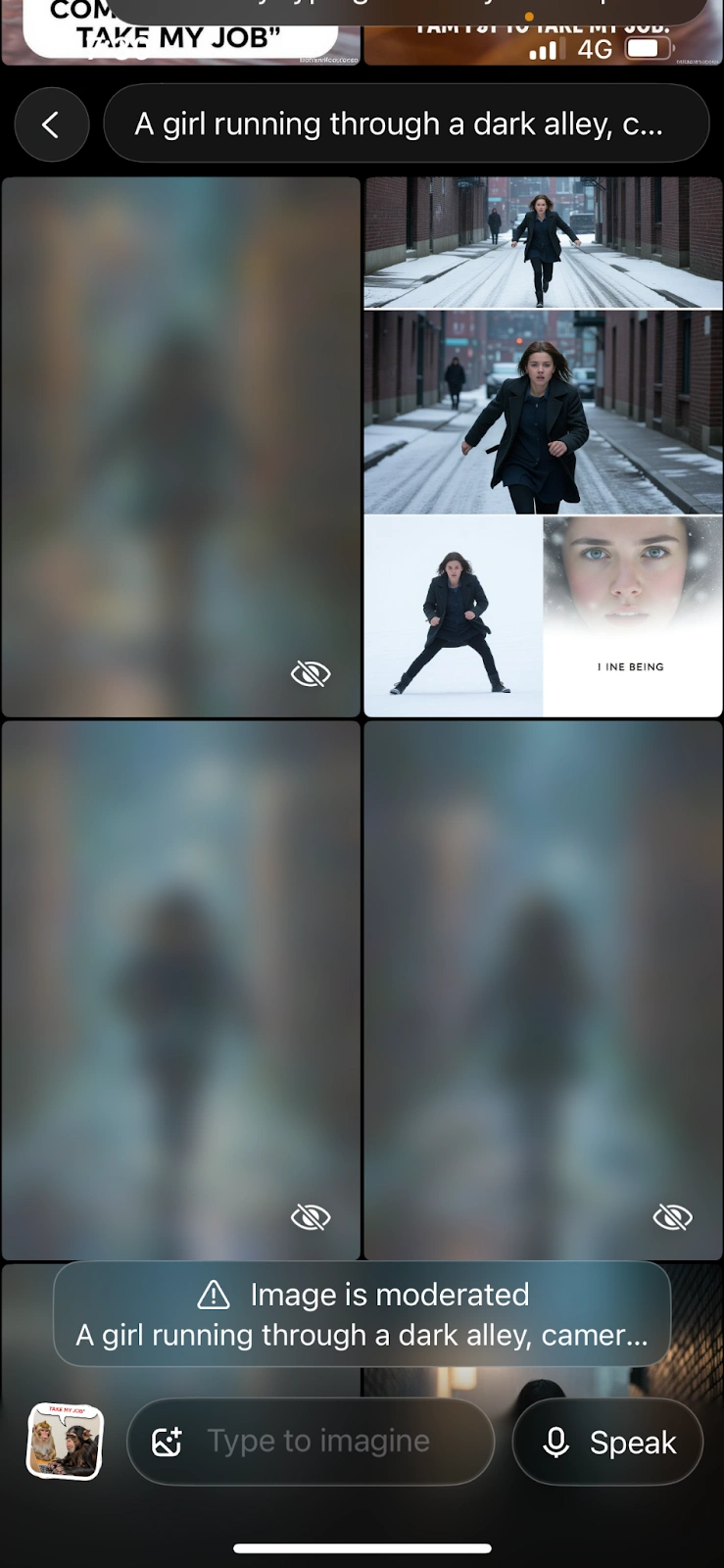
Limitations / risks you might avoid by switching: - It currently is positioned around short clips (e.g., six to fifteen seconds) and may be subject to moderation issues and less control. (TIME)
- If you need more customization, longer output or different business-friendly licensing, the alternatives may be better fit.
Key factors to compare when choosing between these platforms
- Output length & resolution: How long can the video be? What resolution (1080p, 4K) is supported?
- Input flexibility: Can you use text alone, text + image, or video-to-video?
- Style & motion control: Does the tool allow you to control motion (camera moves, transitions), characters, environment continuity?
- Commercial-use licensing: If you’re creating for business or monetized platforms, check rights/usage.
- Ease of use & learning curve: Simpler tools vs full-feature suites.
- Cost & credit system: Many operate on credit or subscription models—free tiers are limited.
- Model diversity and update pace: Some platforms give you access to multiple models / versions; staying current matters.
Final thoughts
If you’re moving away from Grok Imagine or just exploring other options, here’s a suggested lineup:
- For pro-level output and greatest control → Go with Runway Gen-4.
- For fun, rapid video creation (social, short-form) → Pika AI.
- For image-based video animation and creative motion → Luma Dream Machine.
- For a flexible multi-model platform where you experiment and pivot → RepublicLabs.ai.
- And keep Grok Imagine as a baseline, or fallback if you just need short clips fast.
Once you pick 1 or 2 tools that fit your budget and workflow, focus on mastering prompt-crafting, reference material, and output tuning—that will make the biggest difference in result quality.
Leave a Reply