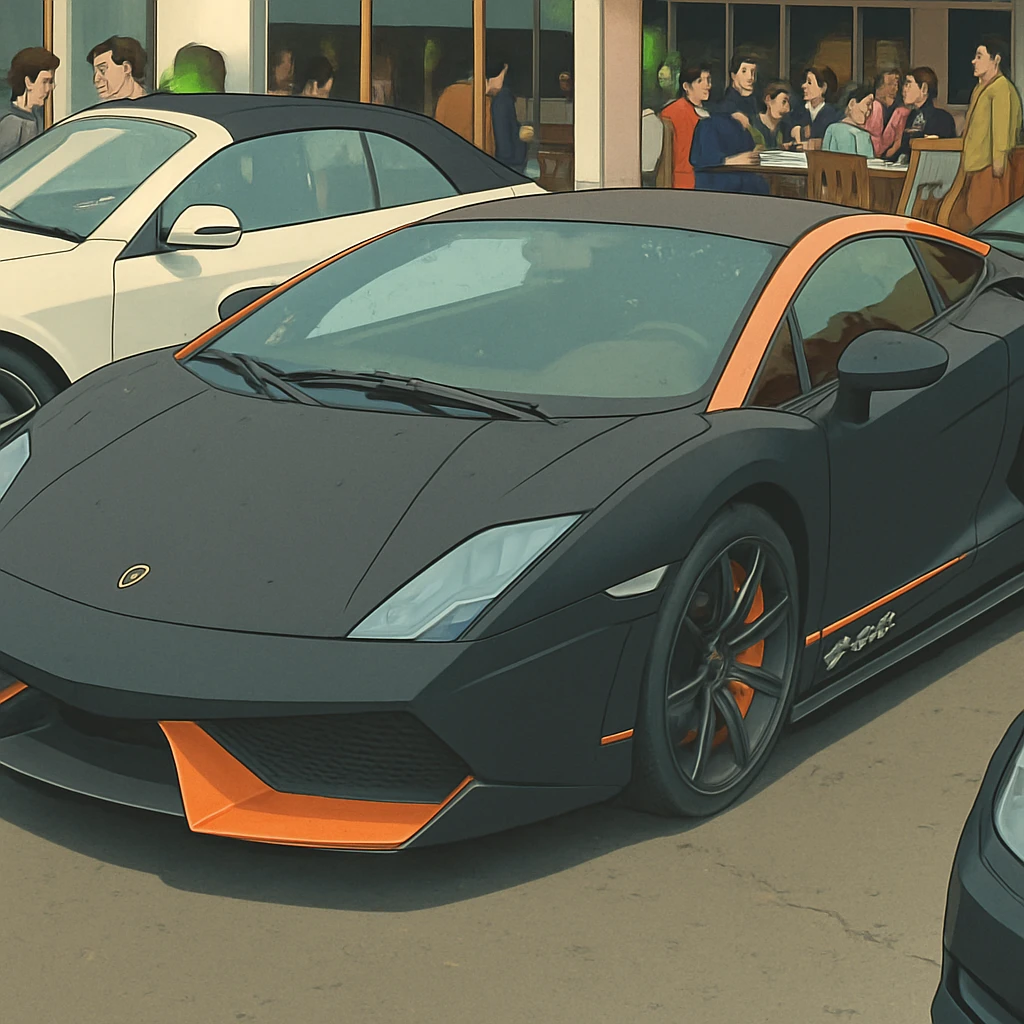
AI sketch generators are changing the way artists create. These tools turn simple ideas, text prompts, or rough sketches into detailed artwork. They’re perfect for beginners, hobbyists, and even professional artists who want to save time or spark new ideas. In 2025, AI sketch generators are more powerful and easier to use than ever. This article explores the best ones available, how they work, and why they’re great for artists. We’ll keep it simple, clear, and easy to skim.
What Are AI Sketch Generators?
AI sketch generators use artificial intelligence to create sketches or full artwork from text descriptions, photos, or rough drawings. You type a prompt like “a cat sitting on a moon” or upload a basic sketch, and the AI turns it into a detailed image. These tools rely on advanced algorithms trained on thousands of images to understand styles, shapes, and textures.
Why Use AI Sketch Generators?
- Saves Time: Turn ideas into sketches in seconds.
- No Art Skills Needed: Anyone can create professional-looking art.
- Boosts Creativity: Experiment with styles like anime, watercolor, or realism.
- Customizable: Adjust colors, details, or styles to fit your vision.
- Affordable: Many tools are free or low-cost.
The first time I tried an AI Ghibli Style generator, I uploaded a quick selfie just out of curiosity, not expecting much. Within seconds, it transformed my photo into a hand-drawn sketch that looked like something from an art portfolio. What surprised me most was how well it captured the details—my expression, the shading around my eyes, even the texture of my hair. It didn’t feel like a filter; it felt like someone had actually sketched me.
What really blew my mind was the variety of styles it offered. I could switch from pencil to ink, charcoal to comic-book style, and each one looked convincingly handmade. I found myself experimenting with different photos just to see how the AI would interpret them. As someone with zero drawing skills, it gave me this fun, creative way to make art without needing technical talent. It also made me think about how far AI has come—not just in utility, but in creative expression. I went in expecting a gimmick and left genuinely impressed.
How Do AI Sketch Generators Work?
AI sketch generators use neural networks, a type of AI that mimics how the human brain processes information. Here’s a simple breakdown:
- Input: You provide a text prompt, photo, or rough sketch.
- Processing: The AI analyzes your input using a massive database of images and art styles.
- Output: It creates a unique sketch or image based on your instructions.
- Refinement: Many tools let you tweak the result, like changing colors or adding details.
Some generators also use “neural style transfer” to apply specific art styles, like turning your photo into a Van Gogh painting. Others use “generative adversarial networks” (GANs) to create realistic or creative images from scratch.
Top AI Sketch Generators for 2025
Here are the best AI sketch generators for artists, based on ease of use, features, and output quality. Each one is beginner-friendly and offers unique strengths.
1. starryai
Best for Beginners and Mobile Users
Starryai is a free app available on iOS and Android, making it perfect for artists on the go. It turns text prompts or uploaded sketches into high-quality drawings. You can choose styles like anime, fantasy, or photorealistic, and the app is super easy to use.
- Key Features:
- Free to use with daily credits.
- Supports text prompts, emojis, or image uploads.
- Offers styles like manga, portrait, and abstract.
- Lets you revise and fine-tune sketches.
- Own your creations for personal or commercial use.
- Why It’s Great: Starryai is simple and fast. You don’t need to be an artist to create stunning sketches. It’s also great for creating NFT art or social media graphics.
- Drawbacks: Free plan has limited credits, and some advanced styles require a paid plan.
2. Adobe Firefly
Best for Professional Artists
Adobe Firefly integrates with Adobe Creative Cloud, like Photoshop, making it a top choice for pros. It’s built on ethical AI, using royalty-free or Adobe Stock images for training, so you don’t have to worry about copyright issues. Firefly turns text prompts or sketches into detailed artwork with a professional finish.
- Key Features:
- Free plan with basic features.
- Sketch-to-image and text-to-image options.
- Ethical AI with transparent training data.
- Integrates with Photoshop and Adobe Express.
- Advanced editing tools for refining sketches.
- Why It’s Great: Firefly is perfect for artists who already use Adobe tools. It offers high-quality, commercial-safe images and a familiar interface.
- Drawbacks: Full features require an Adobe Creative Cloud subscription, which can be pricey.
3. OpenArt
Best for Free and Customizable Sketches
OpenArt is a free, web-based tool that’s great for beginners and hobbyists. It uses models like Stable Diffusion XL to create sketches from text or image prompts. The free plan offers up to 512×512 pixel images, and you get bonus credits for joining their Discord community.
- Key Features:
- 100% free plan with no credit card needed.
- Supports text prompts and sketch uploads.
- Wide range of styles, like realism, sci-fi, or caricature.
- Community-driven with contests and chat rooms.
- Advanced tools like ControlNet for precise edits.
- Why It’s Great: OpenArt is accessible and fun. The community aspect helps you learn from other artists and get inspired.
- Drawbacks: Free plan has resolution limits, and premium features cost extra.
[Insert authentic story here: Tell a story about how OpenArt helped you create something unique, like a fantasy landscape for a school project.]
4. Canva AI
Best for Quick and Easy Designs
Canva’s AI tools, like Magic Media and Dream Lab, make it easy to create sketches and images for presentations, social media, or school projects. You can use text prompts or upload a reference image to generate art in styles like watercolor, neon, or 3D.
- Key Features:
- Free AI tools with a Canva account.
- Text-to-image and image-to-image generation.
- Wide range of art styles and presets.
- Easy-to-use interface for beginners.
- No copyright claims on generated art.
- Why It’s Great: Canva is beginner-friendly and perfect for non-artists. It’s great for creating graphics for posters, slides, or social media.
- Drawbacks: Limited advanced features compared to professional tools like Firefly.
5. Republiclabs.ai
Best for All Use Cases
Republiclabs.ai is a versatile platform designed for all use cases. It contains the latest greatest AI models all in a single platform. Users can generate content with multiple models simultaneously with a single prompt, allowing all sorts of experimentation against different models quickly. It is also one of the few platforms that do not add restrictions or censorship to the prompts.
- Key Features:
- Free to try and use.
- Just type in a prompt and go, no skills required.
- Try many models at once.
- Fast and efficient for concept art.
- Why It’s Great: Republiclabs.ai is perfect for artists who need quick, high-quality landscape sketches. It’s quick and easy to use.
- Drawbacks: Some models have built-in moderation that cannot be turned off.
I used Republiclabs.ai to create a background for a side-scrolling game I was prototyping. I needed a futuristic cityscape—something detailed but a little surreal, like a mix of Blade Runner and Tron. Instead of spending hours piecing together assets or trying to draw it myself, I typed a prompt into Republiclabs.ai describing the scene: “neon-lit skyline, cyberpunk buildings, glowing clouds, nighttime.”
Within moments, it generated multiple variations that matched exactly what I had in mind. The colors popped, the depth was impressive, and the style looked cohesive with the rest of my game art. I picked one and did a minor crop, but honestly, it needed very little editing. It instantly elevated the look of my project and saved me a ton of time.
What surprised me most was the creative control—I could tweak the style, lighting, and atmosphere just by adjusting the prompt. It felt like having a concept artist on standby. For someone like me who isn’t a professional designer, it was empowering to get such high-quality visuals with minimal effort.
How to Choose the Right AI Sketch Generator
With so many options, picking the right tool depends on your needs. Here’s a quick guide to help you decide:
- For Beginners: Try starryai or Canva AI for their simplicity and free plans.
- For Professionals: Adobe Firefly offers advanced tools and integration with Creative Cloud.
- For Free Options: OpenArt provides a strong free plan with community support.
- For Landscapes: NVIDIA Canvas is the go-to for realistic background sketches.
- For Mobile Users: Starryai’s mobile app is perfect for creating on the go.
Consider your budget, the type of art you want to create, and whether you need commercial rights. Most tools offer free plans, so you can try them out before committing.
Benefits of Using AI Sketch Generators
AI sketch generators are more than just fun tools—they can transform how you create art. Here are some key benefits:
- Speed: Create sketches in seconds, not hours.
- Inspiration: Overcome creative block by experimenting with new styles.
- Versatility: Use for school projects, social media, game design, or professional work.
- Accessibility: No drawing skills? No problem. AI does the heavy lifting.
- Cost-Effective: Many tools are free or affordable compared to hiring an artist.
I was working on a pitch for a children’s book and needed character sketches to bring the story to life. I’m not an illustrator, so normally I’d have to hire someone or spend days trying to draw something halfway decent myself. Instead, I tried an AI sketch generator and described the main character—a curious fox with a backpack, exploring the woods.
Within minutes, the AI gave me several sketch-style versions that perfectly captured the vibe I was going for. I selected one, made a few prompt tweaks for expression and posture, and quickly had enough images to fill out my storyboard. It saved me hours, if not days, and let me focus on refining the script and pacing.
When I showed the mockup to a potential publisher, they were impressed—not just with the story, but with how polished the visuals looked. The AI didn’t just save time—it helped me present my idea professionally, even before involving an illustrator. That early visual impact made a big difference.
Challenges and Ethical Considerations
While AI sketch generators are exciting, they come with some challenges:
- Originality: AI art is based on patterns from existing images, so it may lack the personal touch of human art.
- Copyright: Some tools may use training data that raises legal questions. Choose tools like Adobe Firefly that prioritize ethical data.
- Bias: AI can sometimes reflect biases in its training data, like favoring certain art styles or subjects.
- Over-Reliance: Using AI too much might limit your own artistic growth.
Always check the terms of use, especially if you plan to sell or share your art. Tools like Canva and starryai clearly state that you own your creations, which is a big plus.
Tips for Using AI Sketch Generators
To get the best results from AI sketch generators, follow these tips:
- Write Clear Prompts: Be specific, like “a fluffy white cat in a steampunk city at sunset.”
- Experiment with Styles: Try different styles, like anime or watercolor, to find what works.
- Refine Your Work: Use editing tools to tweak colors, details, or backgrounds.
- Start Simple: If you’re new, begin with basic prompts or sketches before trying complex ideas.
- Join Communities: Platforms like OpenArt have communities where you can learn from others.
I think AI sketch generators strike an interesting balance between creativity and convenience. For someone like me—who has ideas but not the drawing skills—they’re incredibly empowering. I can visualize a concept in minutes without needing to hire an artist or struggle through rough sketches myself. It’s like having a creative assistant who brings your vision to life instantly.
That said, I don’t see AI replacing human art. It enhances it. Human artists bring emotion, style, and storytelling that AI can’t fully replicate. What AI does well is speed up the brainstorming process or fill in the gaps when you’re on a tight timeline. I’ve used sketch generators to rough out ideas that I later shared with real artists, and it actually helped them better understand my vision.
So for me, AI isn’t about replacing creativity—it’s about unlocking it. It removes the technical barrier and lets more people participate in visual storytelling. When used thoughtfully, it’s a tool that complements human talent rather than competes with it.
The Future of AI Sketch Generators
In 2025, AI sketch generators are just the beginning. Experts predict these tools will get even smarter, with features like:
- Real-Time Collaboration: Work with others on the same sketch in real time.
- 3D Art Generation: Create 3D models from sketches for games or animations.
- Personalized AI Models: Train AI to mimic your unique art style.
- Voice Prompts: Describe your idea out loud, and the AI creates it.
As AI improves, it will become an even bigger part of art, design, and storytelling. But it’s up to artists to use these tools thoughtfully to enhance their work, not replace it.
Conclusion
AI sketch generators are powerful tools that make art accessible to everyone. Whether you’re a student, hobbyist, or professional, tools like starryai, Adobe Firefly, OpenArt, Canva AI, and NVIDIA Canvas can help you bring your ideas to life. They’re fast, affordable, and fun to use. Try a few to see which one fits your style, and don’t be afraid to experiment.
Leave a Reply